
LOTRO: How to Resolve the Patch Server Bug
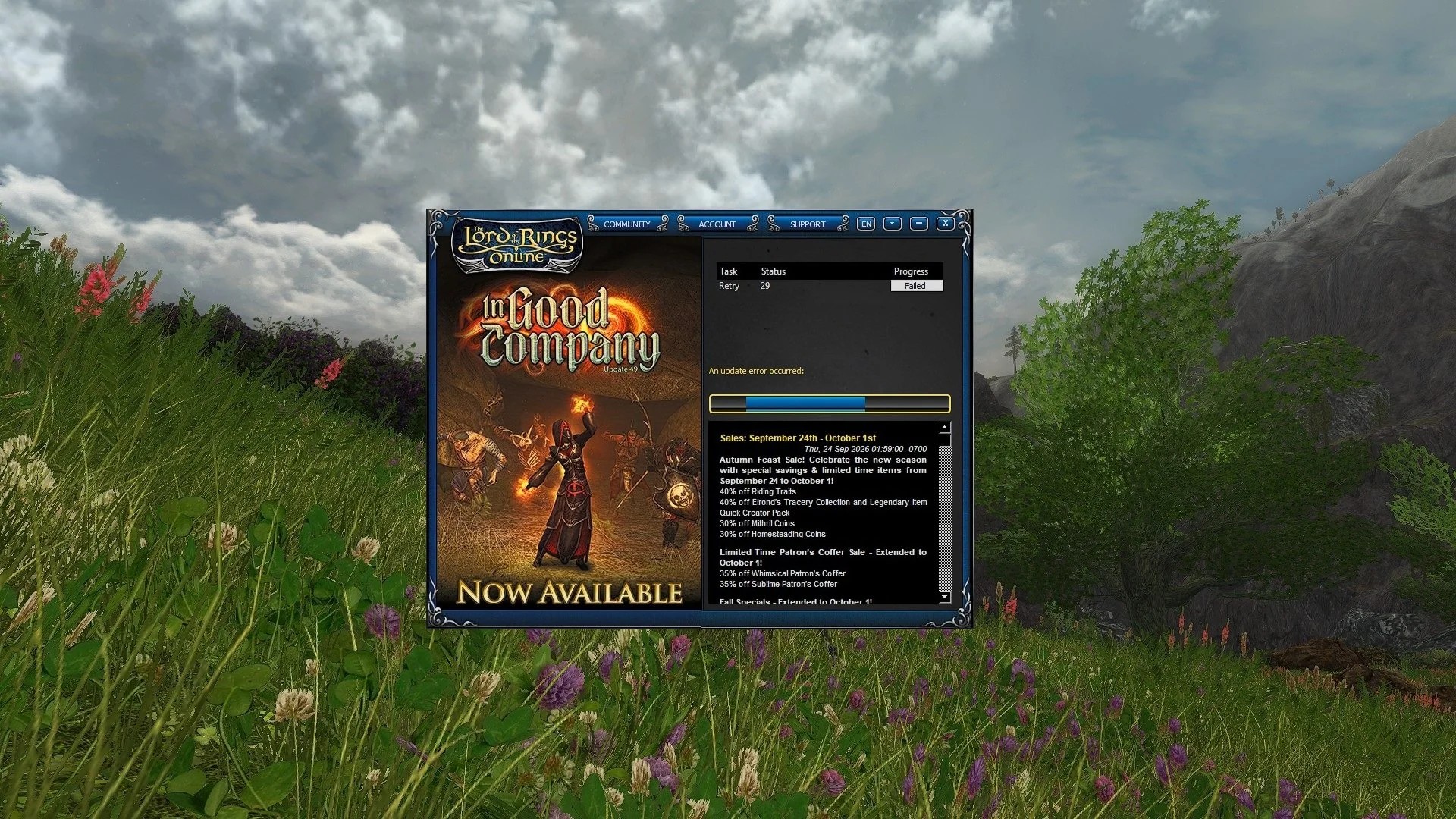
Throughout yesterday and early today, there was an issue logging in to the MMORPG, The Lord of the Rings Online. Upon starting the game launcher, it would attempt to connect to the patch server to download the latest game update. This process would start but then subsequently stall at 33%. The launcher would then attempt to reconnect to the patch server every 60 seconds but could not make any further progress. Some players found that if they left it long enough, it would eventually complete the download and the launcher then progress to the next screen where they could input their username and password. However, for the majority of LOTRO players the problem would simply persists and the launcher would be stuck in a loop. Some players attempted to reinstall the game or use the repair data facility in the launcher but neither of these proved to be successful workarounds. The patch sever needed to be bypassed to resolve the issue.
Fortunately, the issues now appears to have been resolved by Standing Stone Games. However, should this problem happen again, there is a simple workaround that players can use to skip the patch servers and go straight to the game’s logon screen.
If you used the official game installer for LOTRO and the game is installed on your PC in the default location, then follow these instructions.
Press the Windows Key = R.
Type CMD in the text box of the window that has opened and click on OK.
A new black window will have open with a flashing cursor.
Copy and paste the following:
cd /d "C:\Program Files (x86)\StandingStoneGames\The Lord of the Rings Online"
LotroLauncher.exe -nosplash -skiprawdownload -disablepatch
NB You may get a warning message about the text containing multiple lines.
Choose “Paste Anyway” and then press enter.
The LOTRO launcher will appear at the logon screen and has bypassed the patch server.
If you have installed LOTRO via Steam, then follow these instructions.
Launch Steam and go to your library.
Right click on LOTRO.
Select Properties, then General and finally Initialisation Options.
Copy and paste the following: nosplash -skiprawdownload -disablepatch
Then launch the game from Steam.

Two years ago I wrote a post about fine tuning your graphics in the MMORPG The Lord of the Rings Online. Apart from installing ReShade and using AMD Adrenalin, the options were somewhat limited, due to the game’s age and multiplayer status. Since then, I’ve been playing LOTRO with the game settings maxed out, a custom ReShade profile to make the colour palette more vivid and Radeon Image Sharpening enabled within the AMD software. The game looks clear, crisp and the draw distance is pretty good for an ageing game but I still wish the graphics could be tweaked further. Hence, I’ve been trawling the internet in a vain attempt to see if I can find any third party utilities that could be used to enhance LOTRO further. During the course of my search I stumbled across DLSS 5 Manager. This is an open-source, intelligent utility and one-click mod installer designed to inject and manage Nvidia's DLSS 5 neural rendering features, ReShade, and OptiScaler into PC games.
Are video games becoming easier? It’s a perennial subject that is frequently discussed by those who play them. Often the question of whether they have actually become easier is not the focus of the debate, as it seems to be broadly recognised that it is the case. Instead, discussion of this matter tend to drift into the rectitude of this change. Debate’s of this nature are usually awash with subjective opinions and personal preferences which are then put forward as objective facts. It’s not just a question of video games becoming easier, it’s the fact that making them easier is “wrong” and those who want them as such are “not proper gamers” etc. The hours that have been lost to this pointless, tedious debate are uncountable. However, I digress. Let us return to the matter of video games becoming easier, because although fans discuss this a lot and have plenty to say, you don’t often hear from the developers on this subject.
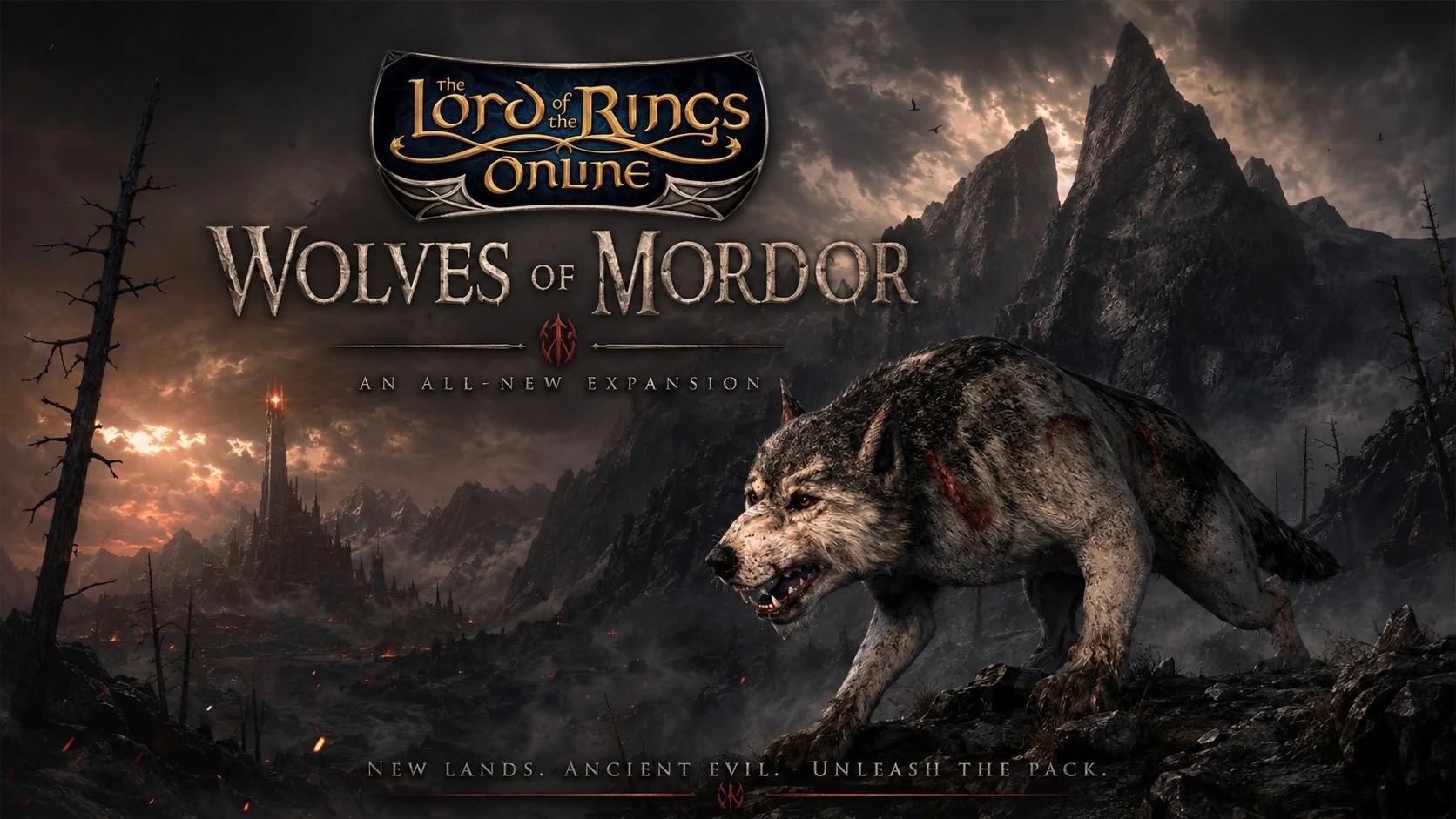
The next expansion for the MMORG, The Lord of the Rings Online, was announced on the 1st August, via the gaming website MMORPG.The Wolves of Mordor, which will launch later in the year, appears ambitious in scope as it will include two new game systems as well as the obligatory story update. This expansion takes place in Draugardh located in the North East of Mordor, beyond the Plateau of Gorgoroth. It includes the new zones of Heledhris, Parth Rhavas and Nan Ogol. These vary environmentally ranging from the arid, volcanic and semi-tropical. Players will encounter the Daugrim in these regions, Werewolves but not in the modern sense. This is not the lycanthropy of Eastern European legends but in the established Tolkien idiom of fell spirits inhabiting the bodies of Wolves. The region also sees the return of the Woses and players can expect to encounter Elves and scouts from Gondor. As ever with LOTRO expansions, there will be new instances as well as a raid.
I was recently perusing my archive of old blog posts, when it struck me how much I’ve written about the MMORPG genre over the years. Naturally, there was far more material from between 2008 and 2012 as that was period when I immersed myself in the genre and was very enthusiastic about it. I was at a point in my life when I had the time to dedicate to such games and I was happy to participate in the social aspect of they offered. I would regularly play through group content and spend time socialising online with fellow guild members. My experience remains a textbook example of how online games can be more than the sum of their parts and that where you are at in your life has a major impact upon your overall enjoyment. As I read though various old posts it became clear that my experiences where specific to this particular part of my life and that they cannot be repeated. My relationship with the genre is very different now and that’s fine.
Video games as a genre are extremely poor at explaining themselves. When you buy a new game you’ll often find little or no information regarding the basic systems and mechanics. The industry assumes that their customers are by default familiar with the fundamentals of playing a modern video game. Hence if a game has a tutorial, it is often based around videos rather than detailed verbal instructions. You are are briefly shown a clip of a specific move being successfully undertaken but it is seldom shown in a wider context. The industry also expects the fan community to take on the role of curating and disseminating information about its games. The move away from forums and bespoke websites to Discord highlights this. Discord is a primarily a real time communication tool and not good at maintaining a historical data archive. If you want an answer to a specific gaming question, you’ll more than likely find it on YouTube in a video made by a fellow gamer.
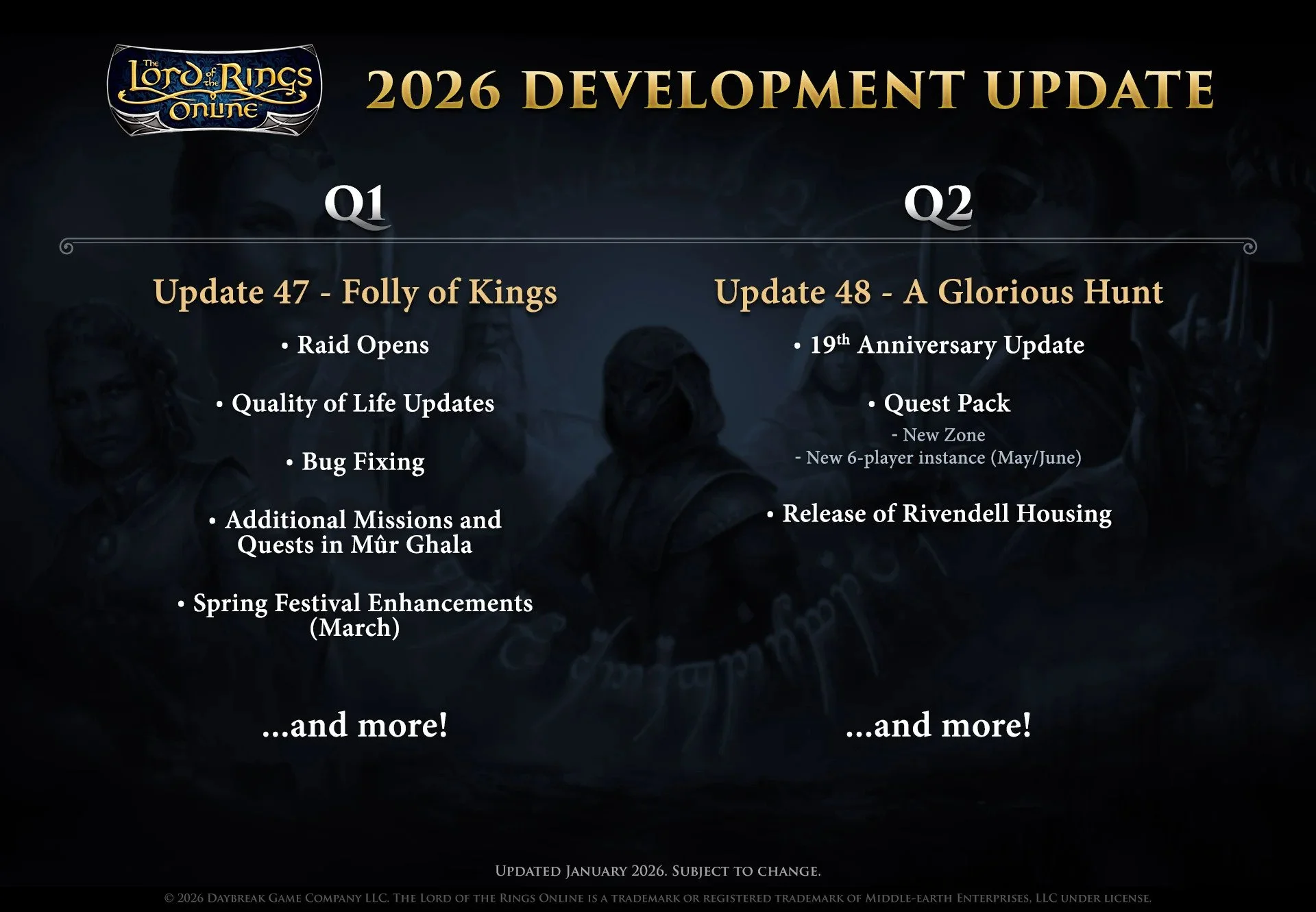
According to the recent “letter to the players”, Standing Stone Games will be adding a new zone to the MMORPG The Lord of the Rings Online in the second quarter of this year. Possibly around May or June. Having spent the last three expansions in the South of Middle-earth exploring the tropical Umbar and the deserts of Harad, I would certainly welcome a change of location. I have gradually warmed to these zones over the last eighteen months but I do find them so incongruous. They are so radically different to the European style content that has been the mainstay of the game for so long. Tolkien’s source text has plenty of detail regarding Eriador and Rhovanion. Information regarding Harad is scarce, hence it has afforded the developers a great deal of artistic freedom. Although exceedingly well realised these tropical zones have taken a while for me to get used to.
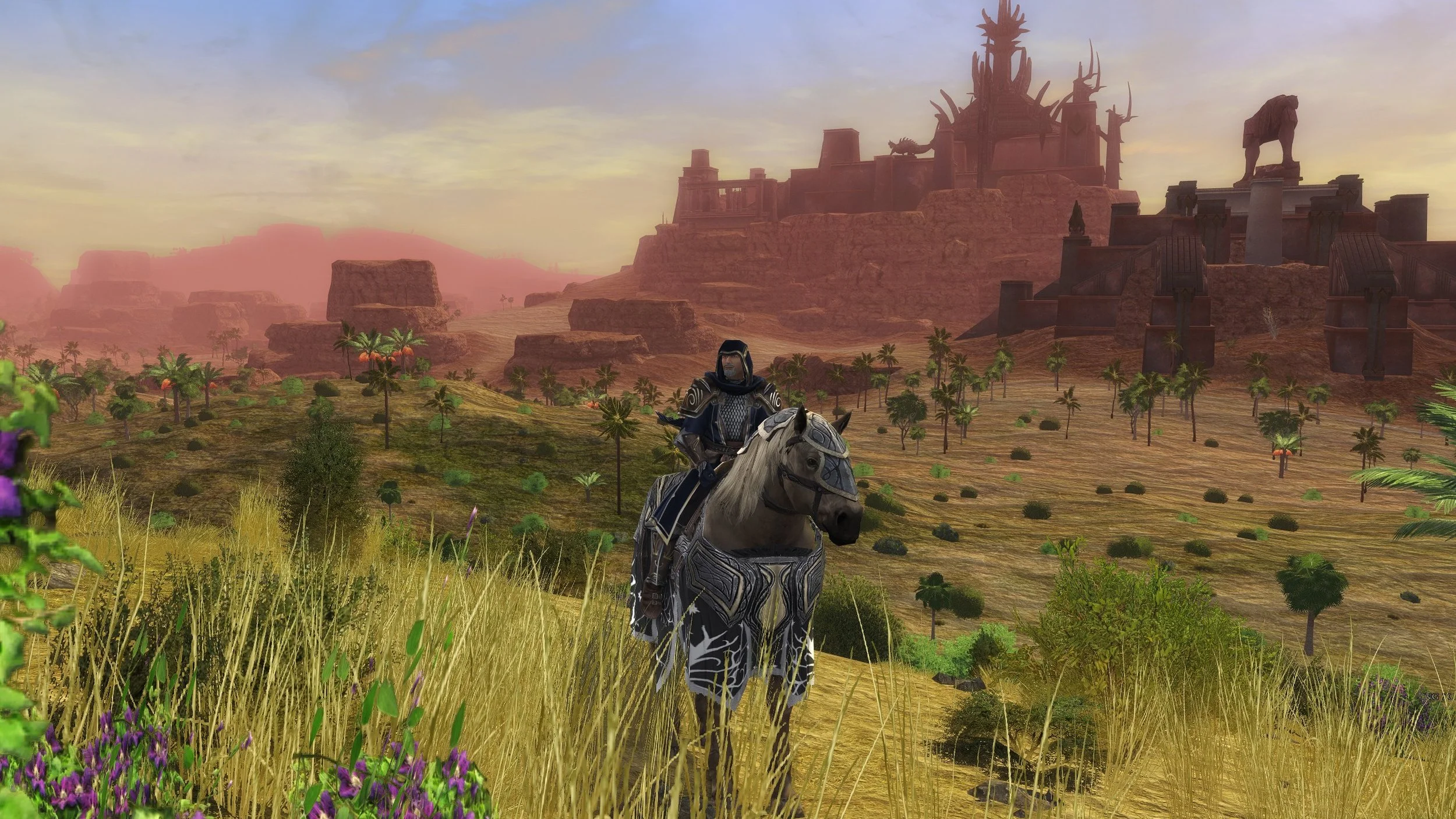
I’m not sure exactly when it started but I’ve recently noticed a graphical bug within the MMORPG The Lord of the Rings Online. This problem often occurs within caves or in areas where there are a lot of rocky surfaces. Hence it has become very apparent in the latest two expansions, set in Umbar and Harad. This graphical glitch causes some surface textures to appear to flash from light to dark intermittently. The resulting strobe effect is hard to ignore and very distracting. Fortunately, a quick online search showed that this is not a problem unique to my installation of LOTRO and is a known problem. Furthermore, there is a very simple workaround, which is to go into the Advanced Graphics setting and uncheck “Per Pixel Lighting”, which immediately remedies the problem. I have no idea why this has recently started to happen but at least it can be resolved.
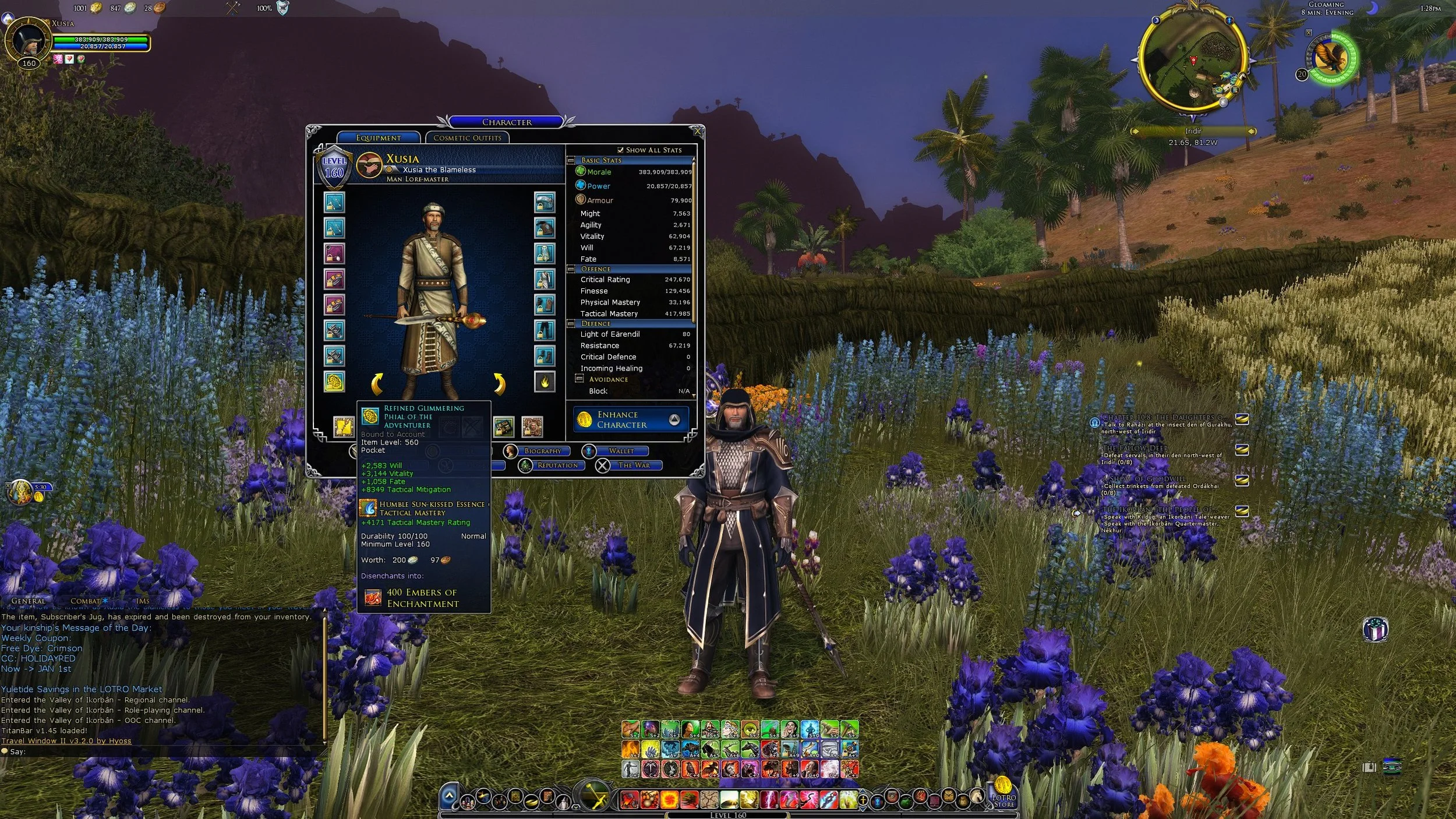
The latest expansion for the MMORPG The Lord of the Rings Online, Kingdoms of Harad, launched on December 3rd. With this release the level cap was raised from 150 to 160. It should also be noted that the cap for virtue traits was also raised from 96 to 100. Naturally these changes meant that there is a requirement to replace all armour and jewellery once the new cap is reached. Similarly Legendary Items have to be reforged and any traceries upgraded or replaced. If you follow the Epic Story it will lead you from quest hub to quest hub. The main quest rewards, along with those from side quests will provide adequate gear as you slowly progress towards the new level cap. The new raids, instances and missions/delvings then provide a means to acquire higher quality level 160 gear. LOTRO and indeed, many other MMOs are consistent in this methodology.
It is customary in a post such as this to list the various games that I’ve played over the last twelve months and share my thoughts on them. Wider analysis of the video game industry is also de rigeur. Unfortunately, I don’t really feel disposed to do either of those two things. My thoughts on the games I’ve played have already been published and can easily be accessed via the links at the bottom of this post. As for the video game industry, it suffers the same flaws as music, TV and cinema. There is creativity and innovation out there but it is often drowned out by mainstream products which are demonstrably inferior due to their inherent mediocrity. As for the business side of things, we once again clearly see the failings of the corporate management class. Sadly, they do not face the consequences of the mistakes that they make.
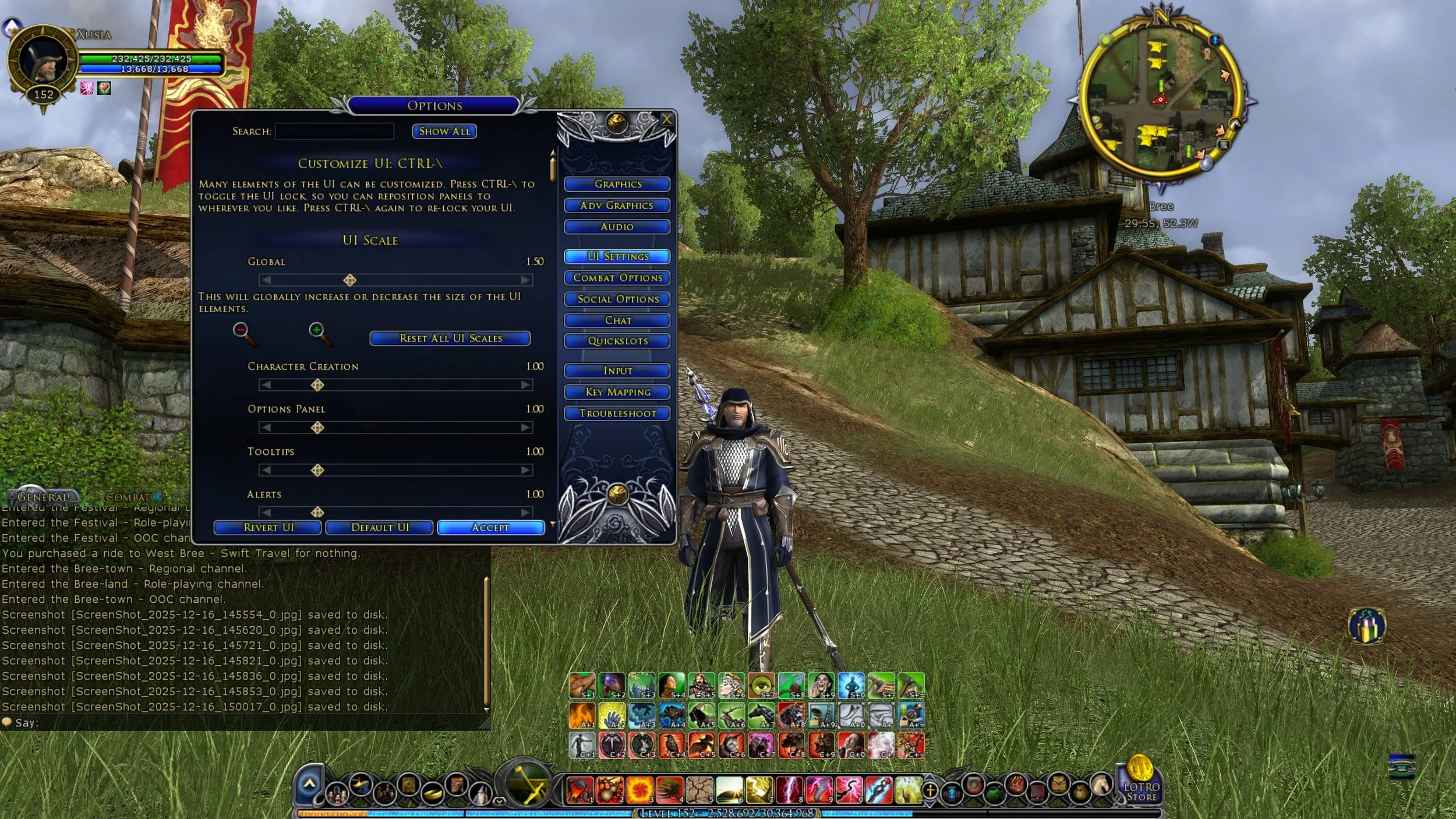
Today Standing Stone Games began beta testing Update 46.1 for the MMORPG The Lord of the Rings Online. The current preview on the Bullroarer test server is mainly for the new instance cluster that comes with the Kingdoms of Harad expansion which launched a few weeks ago. However, it would appear that this latest preview has another feature or note. One that should please LOTRO players. Contrary to what a lot of people thought, myself included, SSG have been working on a scaling UI for 2K and 4K monitors and the results are now available for testing from today Monday 15th through to Friday 19th December. Until now the main workaround to the lack of UI scaling has been to use either Nvidia or AMD graphics software to upscale the game from 1920 x 1080, or a third party app such as LosslessScaling. Having an official solution is a far better option.
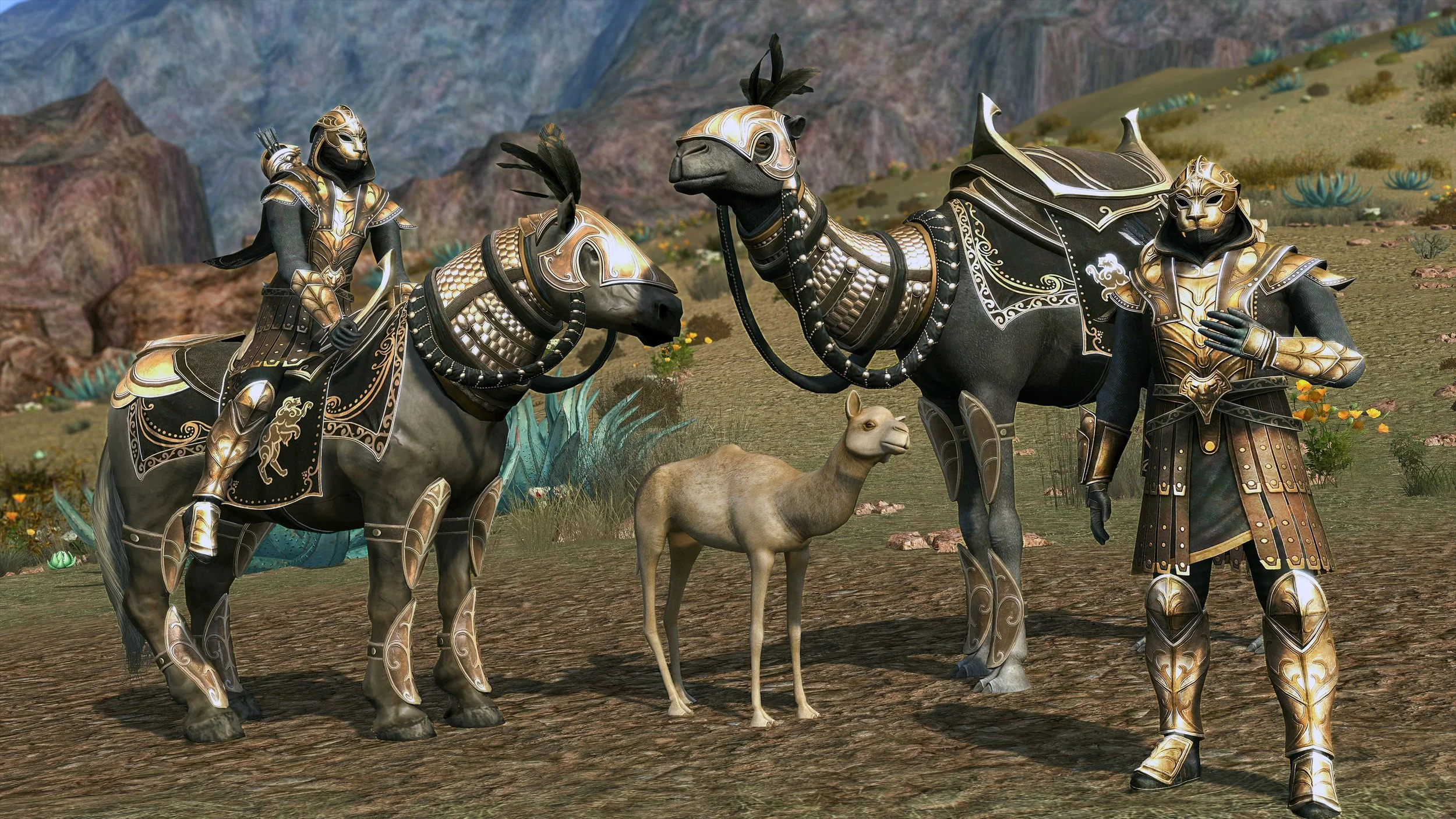
Kingdoms of Harad, the 13th expansion for the MMORPG The Lord of the Rings Online, was released today. Highlighting developer’s Standing Stone Games continuing commitment to this eighteen year old game. As 2025 draws to a close, I thought it would be prudent to reflect upon the current state of LOTRO and to consider what may come next year. Two words that I associated with this MMO are stable and consistent. The playerbase is loyal and dependable. Player numbers never greatly decline nor do they notably expand. LOTRO fills a very specific gaming niche and one of the reasons it retains its players is that there is no suitable alternative game. Although there is not a great deal of data in the public domain, it is generally accepted that LOTRO has an older player demographic and that many are consummate Tolkien fans.
The MMORPG The Lord of the Rings Online runs on a broad spectrum of PCs. From archaic laptops to high end gaming rigs, although it may require a bit of tweaking. At present, the optimal way to play the MMO is at a resolution of 1920x1080 (FHD) with the graphics setting maxed out. The graphics are sharp and the UI is readable. However, a growing number of gamers are now using 2K and 4K monitors. You can play LOTRO at higher resolutions such as 2560×1440 (QHD) and 3840x2160 (UHD) and the game looks great. However, the UI does not scale and so is very small on 2K and 4K monitors. The skill icons on the quickslots (shortcut bars) and the in-game text become difficult to see at these resolutions, which deters some players from using them. It is a known issue that Standing Stone Games are attempting to address but it is unlikely to be resolved any time soon.

I recently read a post on Massively Overpowered about skills rotation in the MMORPG genre. I found the subsequent discussion in the comments fascinating. Mainly because I have never used a fixed rotation of skills in any of the MMORPGs that I play. I understand the reasoning behind such things and why some players want to optimise their combat performance. Using one’s skills in a specific order to maximise damage and manage their subsequent cooldown has a logical appeal. In Star Trek Online, some players go so far as to create keybinds for their rotations and assign it to a specific hotkey, which is then continuously pressed throughout combat. However, rotations are a blunt tool that lack flexibility, often being geared towards dealing with a single target or using an area of effect skill against a larger group. They may not be the optimal approach to combat when things do not go to plan.
Tolkien enthusiasts may recollect Athlon Games, a subsidiary of Leyou Technologies, announcing that it was developing a new MMORPG, based upon The Lord of the Rings, back in September 2018. The following summer, it was revealed that Amazon Game Studios was the partner developer for the project. In late 2020, Leyou Technologies (a Hong Kong-based company), was acquired by the Chinese conglomerate Tencent. This triggered a contract clause with the license holder, Middle-earth Enterprises, allowing them to terminate the existing arrangement if a new deal could not be met. Amazon and Tencent were unable to agree upon how to proceed with the project, leading Amazon to withdraw from negotiations. The project was subsequently scrapped. No details or images of the MMO have been released.
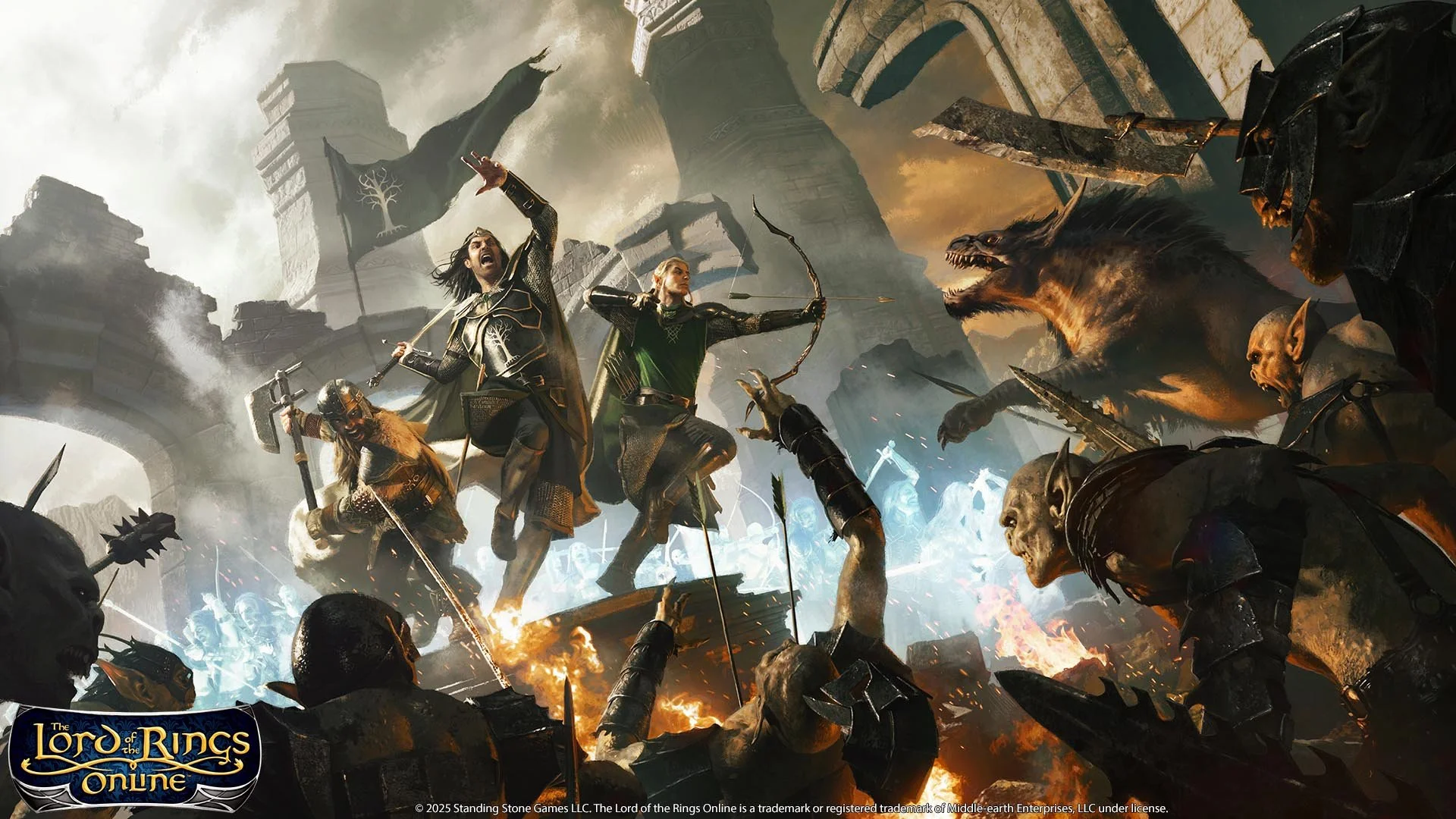
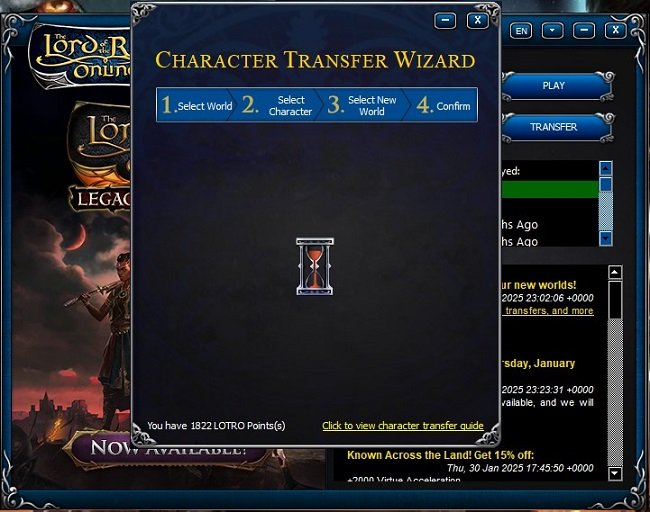
After a six month migration period, Standing Stone Games formally closed all their legacy 32-bit game servers for the MMORPG, The Lord of the Rings Online, on the 31st August 2025. Despite this planned closure being widely discussed via the game’s official forums, professional video game websites and fan blogs, many LOTRO players were unaware of this deadline. Hence many were unable to migrate their respective alts to the new 64-bit servers. Naturally those affected by these closures were upset, especially those with longstanding characters who didn’t relish the prospect of starting from scratch with a new alt. Thankfully, SSG have been true to their word and as of today, have re-opened these “dark worlds” to character transfers. If you have an alt trapped on one of the older game worlds, then now is the time to use the transfer wizard and move them to a new active game world.
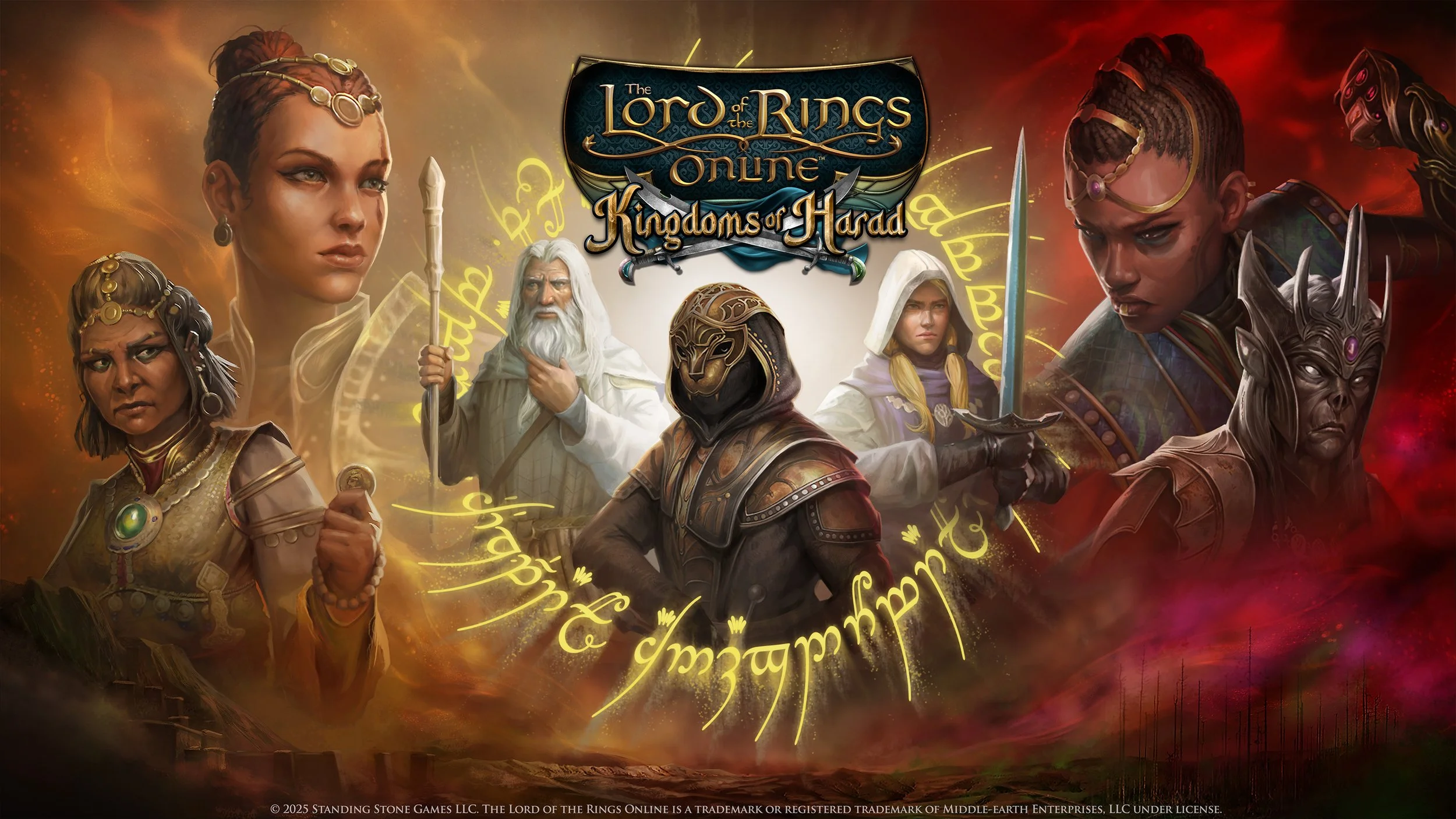
MMORPG announced earlier today and it was subsequently confirmed by Standing Stone games, that the new expansion for The Lord of the Rings Online will be Kingdoms of Harad and that it will launch later in the year. The expansion will see the conclusion of the epic Song of Waves and Wind storyline and the level cap raised from 150 to 160. There will be a new region to explore, Mûr Ghala, comprising four zones. Adagîm, Idagâl, An Shêru and Kighân. The latter contains the main trading hub of Zajâna. Players will travel into the region with Gandalf the White, along with allies of the Kindred of Coins and Mizadi as they seek to counter the regional power struggle brought about by the fall of Sauron. Canonically, this takes place three months after the destruction of the ring, hence King Elessar and Eomer are busy with domestic affairs in their respective kingdoms.
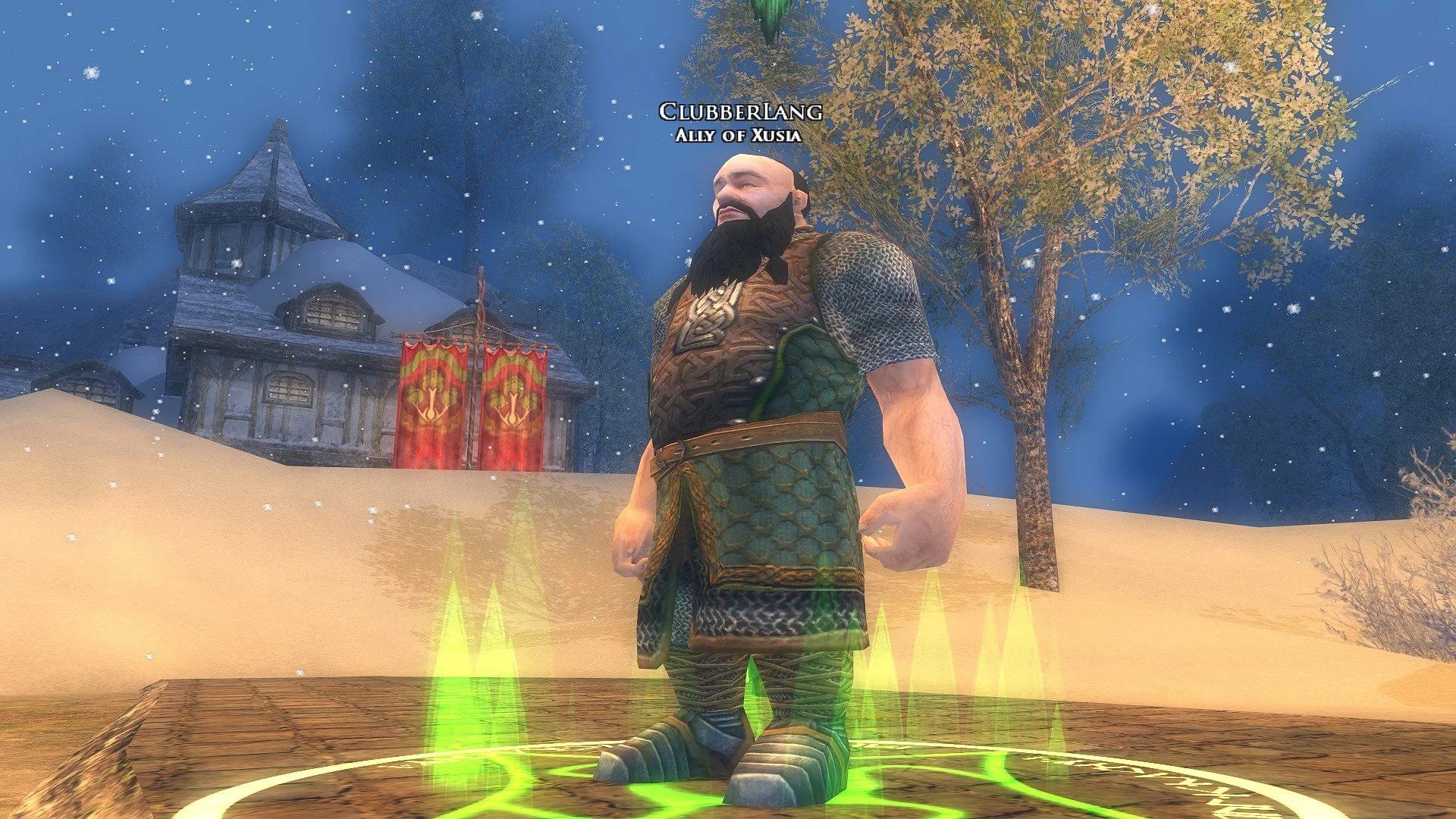
Skirmishes were added to the MMORPG The Lord of the Rings Online, in 2009 with the release of the Siege of Mirkwood expansion. Skirmishes are a repeatable and scalable combat system that allows players to access various instances for solo or group play from anywhere in the in-game world. Players can choose a Skirmish Soldier from a variety of classes to accompany them and provide healing, tank or additional DPS. On paper it’s a great system which is why many other MMOs offer something similar. I recently decided to tinker with my Skirmish Soldier build on my main character to see if I could optimise their performance. As my primary alt is a Lore-master, for the last few years I have had a Warrior as their Skirmish Soldier, to take some of the aggro from attacking mobs. I used the excellent guide by FibroJedi and swapped over a few Training and Personal Traits.
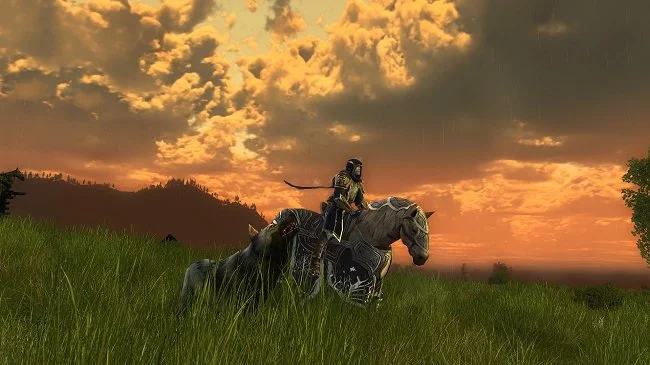
On 2nd August 2025, I was playing the MMORPG The Lord of the Rings Online, on my primary character, a level cap Lore-master. I decided to continue with one of the Allegiance Quest lines, specifically Durin’s Folk. I played through several quests and earned the appropriate tokens that advance the Allegiance system. I then handed these in to the NPC in the Hall Under the Mountain, expecting the next quest in the series “Chapter 3: Gimli’s Request” to be unlocked. An item appeared in my inventory that I then clicked on, which should have bestowed the quest. Unfortunately, nothing happened. Furthermore, the item vanished from my bag and therefore I could not attempt to click it again. I checked the LOTRO Wiki and then looked around the Hall Under the Mountain to see if any NPC had a ring icon above their head. As they did not, I surmised that this was a software glitch and logged a support ticket with Standing Stone Games.
Let’s start with a quote from a classic Walter Hill film, The Warriors. “Can you count, suckers?” says Sirus. The gang leader was referring to the number of Police in New York City at the time. Whereas, for the purpose of this post, I am referencing how many Delving Writs a player needs to acquire 6 pieces of level cap armour in LOTRO. Because, next to the gear you get from endgame instances and raids, Delving gear is a good alternative.. It is marginally better than the items you can get from lootboxes. Hence, Delving armour is a good source of high end gear for the solo player. Through the miracle of mathematics, the number of Delving writs required to acquire a full set of this armour is 9,000. At first glance, that seems like a lot. If you then do some further research to put the number in context, you realise it is indeed a lot and a substantial undertaking.
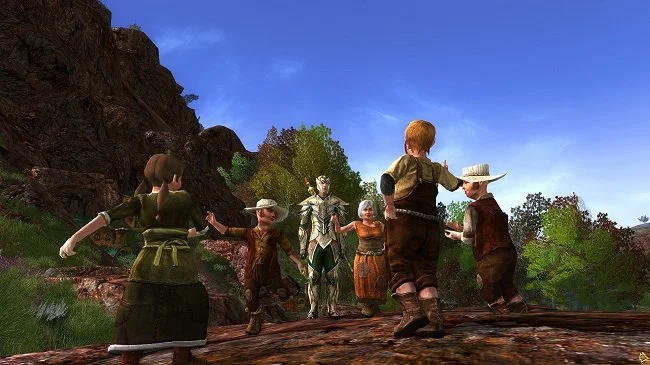
I am currently enjoying a renewed interest in the MMORPG The Lord of the Rings Online since I migrated all my characters from the old 32-bit servers to the new 64-bit replacements. I’ve created a new High Elf Lore-master on Peregrin server and am currently levelling them in a targeted play through of the Epic Story, supplemented by curated side quests. While playing recently, I realised the game UI on this alt wasn’t as I usually have it laid out. So I checked through the various documents on my PC and found a text file I had created many years ago that had a few hints and tips written down. I’ve added a few more and decided to share them as a blog post. I’m sure veteran players will be familiar with many of them but a lot of them are worth repeating. They may prove useful to those new to LOTRO or returning to the game after a long hiatus.
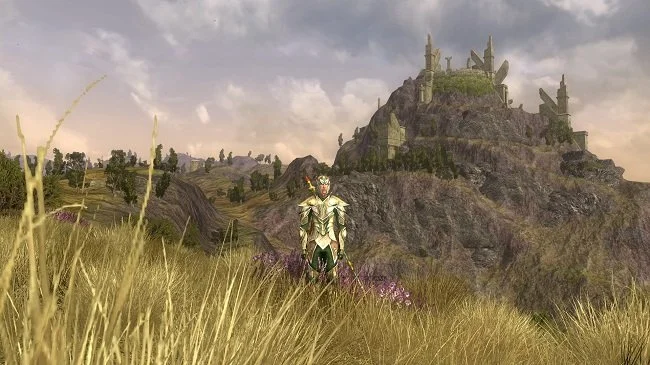
In mid-March, while the server migration debacle raged, I created a new alt for the MMORPG, The Lord of the Rings Online, on Peregrin server. The idea was to play casually through content focusing on enjoyment, rather than worrying about progression. I was to level at a pace that suited me and had no specific plans to develop my alt in any particular way. I have been playing LOTRO since 2008 and have a primary level-cap character that has been my main focus over the years. Hence I have previously experienced all story content from all the expansions and am therefore very familiar with what the game has to offer. Which is why I thought I’d do things differently this time. So I started my new Lore-master in Mossward in Swanfleet, the new starting area added to the game in 2022.
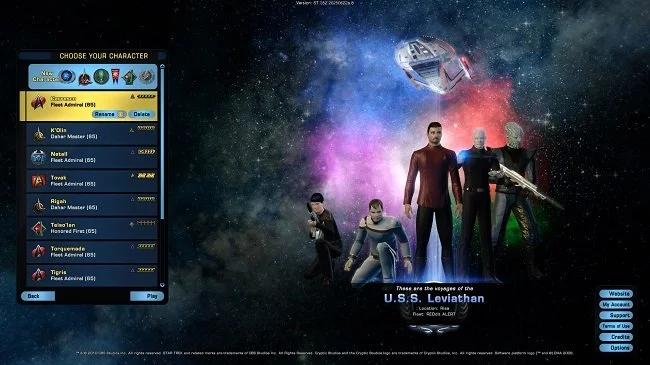
In massively multiplayer online games (MMOs), alts (short for alternate characters), are new characters created by a player in addition to their primary character (often called the “main”). Alts are often encouraged by developers as a means to keep players engaged with their game(s). Sometimes an MMO will actively reward the creation of alts either with access to exclusive content, or with additional skills or items previously unlocked by primary characters. As the myth that an MMO really begins at endgame still persists in gaming culture, some games sell boosts that will instantly raise the level of an alt to that of the current level cap. Creating alts is such a key aspect of the MMO genre, that some games will sell additional character slots, so that players can create further alts beyond the default amount allowed. There are many reasons why players create alts. Let us consider some.
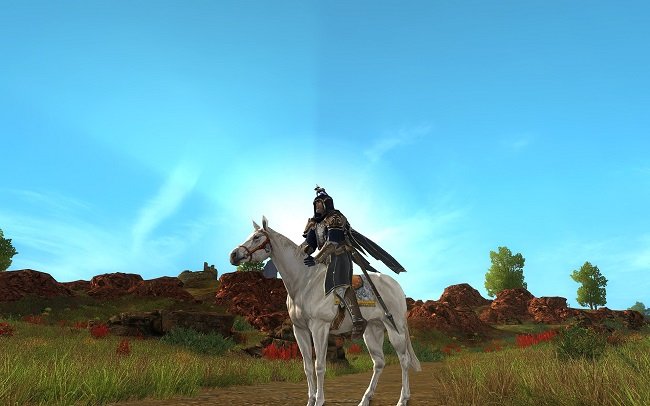
I wrote a while ago that a lot of kinships from the MMORPG, The Lord of the Rings Online, would probably not survive the recent server migration. MMOs are social endeavours by nature, often with strong emotional ties but a lot of kinships (or guilds) have already fallen into decline, simply due to gaming entropy. Hence the migration has seen players leave existing kinships to move to the superior 64-bit servers, resulting in a lot of people who may be potentially looking for a new home. This is exactly what happened to me. I opted to move to Meriadoc server promptly, at the cost of leaving a kinship I have been a member of since 2009. However, the move presented me with an opportunity to remedy this problem myself. I subsequently set up my own kinship and decided to make it available to others.

The dust appears to have settled for the MMORPG The Lord of the Rings Online, after last month’s server transfer debacle. Despite the technical issues arising and subsequent delays to the migration timetable as well as the procurement of in-game housing, LOTRO seems to be enjoying a minor resurgence. Many former players are returning to the game and moving retired alts to new servers, due to the superior performance. The migration issues have also brought a lot of attention to this 18 year old game and it would appear there are many new players trying this Tolkien themed MMO. I was pleasantly surprised to see that a further two 64-bit servers, Grond (EU) and Sting (US), are to be added to the game to meet demand. As I predicted in my previous posts, LOTRO has a habit of bouncing back due to its unique niche in the gaming ecosystem.
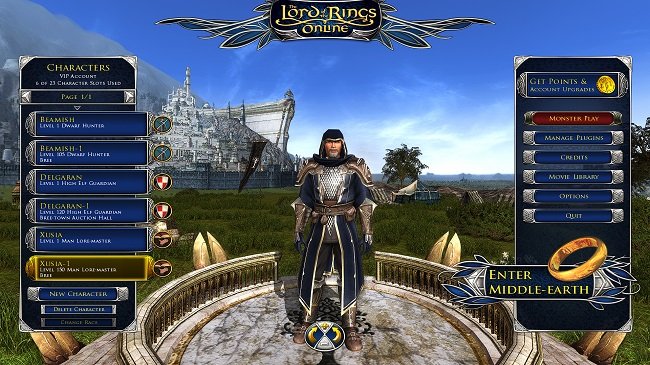
It has not been a good week for the MMORPG, The Lord of the Rings Online and its developer Standing Stone Games. The migration from legacy 32-bit servers to 64-bit servers has not gone smoothly. The transfer queue was overwhelmed by the sheer number of accounts and it has taken far longer than expected to process the backlog of requests. Today has been the fifth day of waiting to see if my 3 main characters from Laurelin server have successfully migrated to their new home on Meriadoc. When I checked this morning, the transfer wizard indicated that my characters were back where they originally came from. I therefore considered repeating the entire process. However, around midday, Community Manager Cordovan indicated that SSG had caught up with transfer requests made around 8:00 AM EST on Sunday 9th March. So I decided to be patient and wait a little longer.
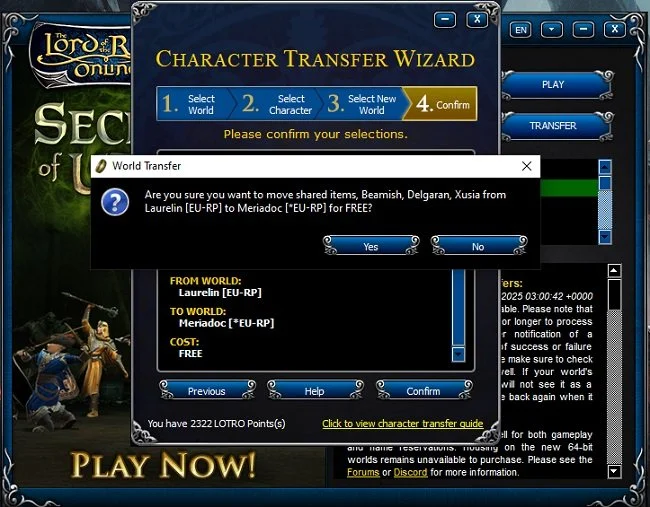
I’ve been busy this weekend, so it wasn’t until late afternoon today that I found time to sit down and attempt to migrate my characters from the old 32-bit server Laurelin, to the new 64-bit server Meriadoc. The “Great Server Migration” has not gone smoothly and the week has been a litany of changing deadlines and unfulfilled expectations. However, developer’s Standing Stone Games, have been “firefighting” issues on a daily basis and communicating regularly with the player base of the MMORPG, The Lord of the Rings Online. Sadly, a lot of players have not responded well to the ongoing technical difficulties and there is subsequently a lot of ill feeling on the official forums. I have chosen to adopt a more pragmatic outlook and to let events run their course.
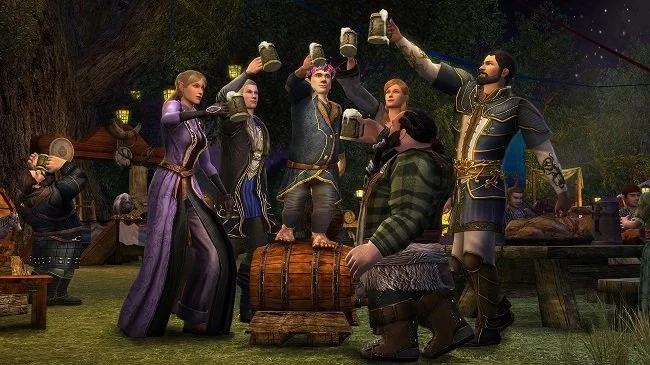
Standing Stone Games were scheduled to open their new 64-bit servers for the MMORPG, The Lord of the Rings Online, today. However, when the free transfer service went live yesterday, it was quickly overwhelmed by the sheer number of players trying to migrate their alts from the older 32-bit servers to the new ones. Eventually SSG had to disable the transfer facility so that they could process the backlog. Hence today’s launch of the new servers has been postponed till tomorrow. In the meantime, the official LOTRO forum’s have gone into meltdown with irate players berating the developers for handling the migration poorly. True to form, SSG have been somewhat defensive and prickly in response to what they see as unjust criticism. Let it suffice to say that neither party has covered themselves in glory and there is a good chance that the technical problems will persist a while longer.

What Massively Overpowered calls LOTRO’s “Great Server Migration” began today. The MMORPG The Lord of the Rings Online has opened 4 new 64-bit servers in conjunction with the 2 existing 64-bit legendary servers and the long term plan is to migrate all current players over to them. Eventually, the 32-bit legacy servers will be shut down, however that is a long way off at present. As of today, VIP players can select a new server, log into it and create new characters with their desired names. These placeholder characters cannot be played at present but can be used to reserve names. Tomorrow, if all goes well, the new servers formally open and free transfers begin. Players can then delete placeholder characters and rename alts that they have migrated, thus restoring desired names. It should be noted that none of this is mandatory and players can remain on the old servers for the present.
I have many pleasant memories associated with playing the MMORPG The Lord of the Rings Online during its first decade. A lot of them are due to the kinship (guild) that I have been a member of since 2009. I started playing LOTRO in December 2008 and it took me a while to find a suitable kinship but once I did, it made logging into the game a real pleasure. I was at a point in my life where I had sufficient time to play the game regularly and take part in kinship organised raids. It was also an added bonus to be able to spend some time and chat with some like minded people. I’m sure such an experience is not unique to me and that many LOTRO players have enjoyed similar periods of time. The lucky ones may still be enjoying a comparable kinship experience today.
 Roger Edwards
Throughout yesterday and early today, there was an issue logging in to the MMORPG, The Lord of the Rings Online. Upon starting the game launcher, it would attempt to connect to the patch server to download the latest game update. This process would start but then subsequently stall at 33%. The launcher would then attempt to reconnect to the patch server every 60 seconds but could not make any further progress. Some players found that if they left it long enough, it would eventually complete the download and the launcher then progress to the next screen where they could input their username and password. However, for the majority of LOTRO players the problem would simply persists and the launcher would be stuck in a loop. Some players attempted to reinstall the game or use the repair data facility in the launcher but neither of these proved to be successful workarounds. The patch sever needed to be bypassed to resolve the issue.