
How Streaming Has Changed Pop Music
The transition from purchasing music on CDs, vinyl or via downloads, to on-demand streaming has fundamentally altered the music industry. Furthermore, the current dominance of on-demand streaming as a medium for providing music has actually reshaped how pop music is written, produced and released. Because streaming platforms like Spotify, Apple Music, and TikTok operate on specific payment algorithms and cater to the rapid-scrolling habits of contemporary listeners, producers and songwriters have decided to completely rewrite the rulebook of how pop music is made. These new rules are not one hundred percent ubiquitous and you’ll still find song writers and artists who do things the old way or in a manner that suits them. However, sufficient numbers of song writers have adopted the new methodology, that you can hear the change if you spend a day or so listening to a mainstream pop playlist or radio station that showcases such material.
The transition from purchasing music on CDs, vinyl or via downloads, to on-demand streaming has fundamentally altered the music industry. Furthermore, the current dominance of on-demand streaming as a medium for providing music has actually reshaped how pop music is written, produced and released. Because streaming platforms like Spotify, Apple Music, and TikTok operate on specific payment algorithms and cater to the rapid-scrolling habits of contemporary listeners, producers and songwriters have decided to completely rewrite the rulebook of how pop music is made. These new rules are not one hundred percent ubiquitous and you’ll still find song writers and artists who do things the old way or in a manner that suits them. However, sufficient numbers of song writers have adopted the new methodology, that you can hear the change if you spend a day or so listening to a mainstream pop playlist or radio station that showcases such material.
The following list highlights five aspects associated with pop songs that have changed since approximately 1990 to the present. Some are specific to the song writing process itself where others are to do with the culture and the environment that pop music exists within. For the sake of clarity regarding the points that I’m making, I shall reference two distinct eras. Radio and streaming. Radio effectively means the period from 1920 to the early 2000s. Streaming I broadly set as the industry norm from 2010. These are broad brush strokes but the point still stand.
The 30 Second Rule and the Death of the Long Intro
On most streaming services, a track is only counted and thus qualifies for revenue, if the listener continues to play the song for at least 30 seconds. If they skip the track prior to this, the artist earns nothing. During the radio era songs could afford to have a 20 to 30-second instrumental build-up to set a mood before the vocal began. Today in the streaming era, long intros are effectively a financial liability because listeners are incredibly quick to skip. To address this dilemma, songs often feature no intro at all. If there is one, it is now much shorter. No more than 3 to 5-second in length. As an additional technique to ensure the listeners attention doesn’t wander, producers now provide “The Immediate Hook”. The catchy chorus or heavily modified vocal hook is placed right at the beginning of the song to grab the listener immediately.
The Shrinking Pop Song
Pop songs are getting significantly shorter in duration. In the late nineties, the average duration of a UK or US number-one single was well over 4 minutes. Today, the average pop song is closer to 2 minutes and 30 seconds, with some massive hits clocking in at under 2 minutes. As to why this is so, it is sadly pure economics. Streaming platforms pay the exact same royalties per song, regardless of its duration. From a business perspective, a fan is less likely to abandon a 2 minute song when listening and its shorter length makes it more suitable for repeat listening. Hence an artist can potentially earn twice the revenue in the same amount of time that an older song ran for.
The Death of the Middle-Eight (Bridge) and Fade-Out
To keep songs short and suitably high-energy, many producers are trimming the "fat" from the traditional song structure. The most noticeable victim of this cull is the so-called bridge. The traditional pop structure of Verse → Chorus → Verse → Chorus → Bridge → Chorus has broadly been abandoned. The bridge was meant to offer an emotional or musical departure within the song. A moment of reflection and pause before renewed musical intensity. Producers now view the bridge as a possible moment where the listener's attention might wander and potentially skip to another track. The same has happened to instrumental solos, which have almost entirely disappeared from mainstream pop music, because they slow down the perceived momentum. The fade out has similarly faced the axe. These were convenient for radio DJs who could talk over the track without ruining the song. Today, songs end abruptly. A hard, unresolved ending often triggers a psychological desire for closure, encouraging the listener to hit "repeat."
The Rise of "Spotify-Core" and Mood Playlists
Instead of browsing by genre or spending time listening to an entire album in chronological order, many modern listeners choose curated playlists based on their personal mood or the activity they are undertaking. Hence many people have playlists labelled as “Chill Pop”, “Lo-Fi Beats to Study To” or “Workout Power Tracks”. It is highly desirable to be placed on these highly lucrative, algorithmic playlists, hence producers have adapted their production styles accordingly. We now see a lot of sanitised, mid-tempo productions. Songs with compressed dynamics and a mellow, inoffensive mid-tempo beat. This “wallpaper music” is designed to blend perfectly in the background of the task at hand, without causing the listener to skip any track as none are jarring. There has also been an increase in vocal-forward mixing, in which dry vocals are mixed in a tight and loud style. It creates an immediate, intimate connection especially if a listener is wearing AirPods or headphones.
The Influence of Short-Form Video (TikTok etc.)
You cannot talk about streaming music without acknowledging the interrelationship with TikTok and YouTube Shorts. Because these video platforms use 15 to 30 second audio clips, pop music is often produced specifically to create a “TikTok moment”. A so-called “Memeable Hook”. Producers build distinct, highly energetic 15-second segments into the track specifically tailored for dance trends, lip-syncs, or transitions. Producers are now officially releasing “Sped Up” and “Slowed + Reverb” versions of their own tracks alongside the original release. Since content creators were doing this on social media anyway, labels realised they could capture those additional streaming royalties, if they provided the augmented tracks themselves.
As I stated at the beginning of this post, this is a substantive trend but not an absolute rule. Many artists do not follow this formula. Some simply tinker with aspects of their music but not in its entirety. However, because music as a whole is so compartmentalised these days, many people listening to genres other than pop music will not have necessarily encountered this phenomenon. All the above will more than likely seem meaningless to someone listening to Phantom of the Opera by Iron Maiden. Conversely, those familiar with Old Town Road by Lil Nas X will be acquainted with its brevity. However, conformity and standardisation under the guise of optimisation can negatively affect a product. Perhaps the very changes that have occurred will eventually start to bore target audiences. One thing is certain, pop music adapts and aims to give people what they want. Modern audiences eventually discover old tunes. So watch this space.





Spotify and Sound Quality
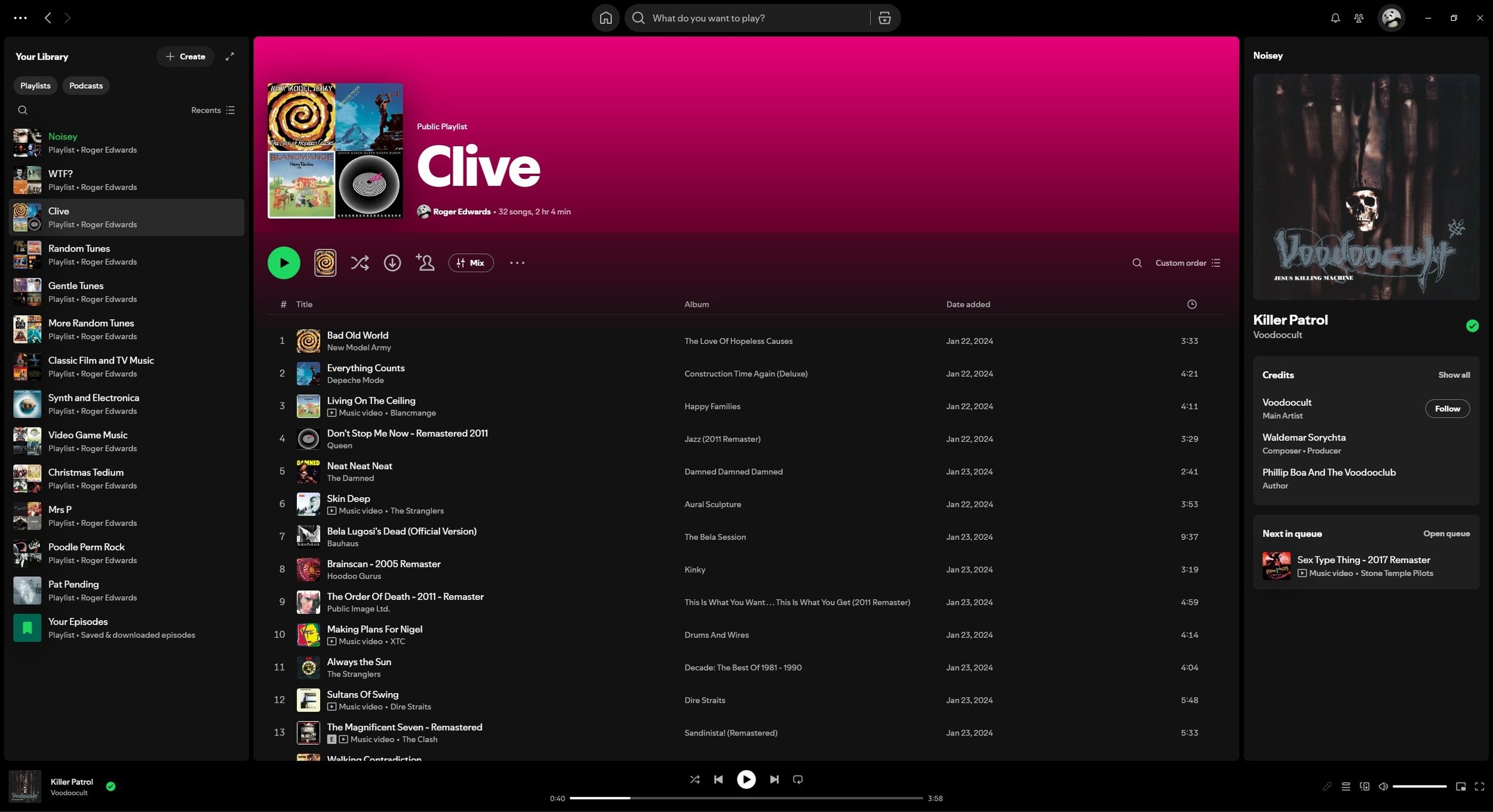
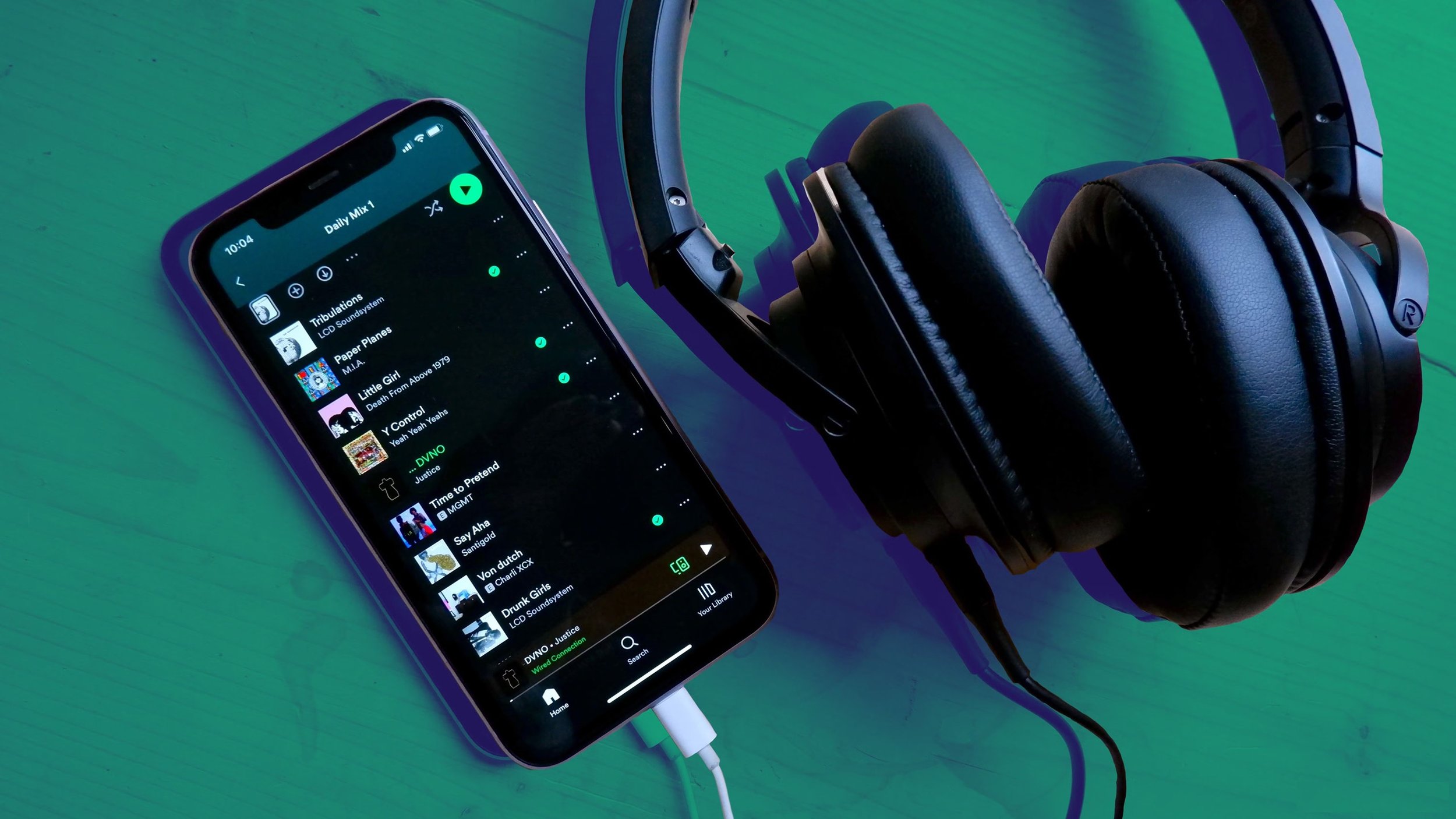
I was recently listening to some music on Spotify when it struck me how poor the sound quality was. It lacked any depth and certain instruments seemed lost in what I can only describe as a somewhat flat and smudged soundscape. Then I remembered that I had recently reinstalled the app on my PC after the search facility "broke" on the previous install. It would seem that any prior settings and customisations that I may have made had not carried over, not that I recollect specifically making any. I consulted Google Gemini to see if this issue was a common one and low and behold it is. The latest version of Spotify, by default, has the streaming bitrate set fairly low to accommodate data capped internet services or low bandwidth connections. In audio terms the music quality sounds poor. Hence I spent sometime nosing around in the settings to see what needed to be changed to remedy this problem. Here is the breakdown of the alterations that I made.
I was recently listening to some music on Spotify when it struck me how poor the sound quality was. It lacked any depth and certain instruments seemed lost in what I can only describe as a somewhat flat and smudged soundscape. Then I remembered that I had recently reinstalled the app on my PC after the search facility "broke" on the previous install. It would seem that any prior settings and customisations that I may have made had not carried over, not that I recollect specifically making any. I consulted Google Gemini to see if this issue was a common one and low and behold it is. The latest version of Spotify, by default, has the streaming bitrate set fairly low to accommodate data capped internet services or low bandwidth connections. In audio terms the music quality sounds poor. Hence I spent sometime nosing around in the settings to see what needed to be changed to remedy this problem. Here is the breakdown of the alterations that I made.
Audio Quality:
By default, the audio quality is set to “Automatic” which can drop your bitrate as low as 24 kbps or 96 kbps depending on available bandwidth. I changed this to “Very High” (320 kbps). If you have the Premium subscription tier, then this can be set to “Lossless” (FLAC). Note that lossless uses significantly more data (up to 1GB per hour), so keep that in mind if you have a data cap.
Normalise Volume:
This setting can be found under Playback. Normalisation tries to keep every song at the same volume so you don't have to keep making manual adjustments yourself but it does this by applying digital compression. This naturally impacts upon audio quality, so I turned it off as well.
Use the Equalizer:
There are over twenty presets for the Equalizer that adjusts the treble and bass accordingly. They make a noticeable difference so it is worth experimenting to find one that you find satisfactory. Or you can tinker with the settings yourself to suit your own tastes and preferences. There a “Reset” button if you are not happy with the results and with to return to the default settings.
Hardware:
If you’re listening via wireless headphones, it is worth remembering that Standard Bluetooth (SBC) compresses audio. If you're using high-end wireless headphones when listening on a phone, ensure they are using LDAC or aptX Adaptive if your handsets supports it. Interestingly, the Spotify Web Player is capped at a lower bitrate (AAC 128-256 kbps) than the dedicated Desktop or Mobile apps. Hence it is advisable to always use the PC or phone app for the best sound quality. Obviously the quality of your speakers is a major factor and if they are poor then it really doesn’t matter how much you tinker with the settings within Spotify. I have a Majority Snowden Soundbar connected to my PC via an optical connection. The sound quality is very good and there is none of the cabling issues you get with individual speakers.
I use Spotify mainly for convenience. You can curate your own playlists and access those made by others. It is accessible and fairly comprehensive. I am often surprised by what I can find available via the app. However, there are negative aspects associated with the service. The level of financial remuneration the artists receive being the main one. Another issue is the way we consume music nowadays has actually led to tangible changes in the way that music is now created and produced. However, such a subject is best dealt with a separate blog post. In the meantime, if you’re having issues with the sound quality of Spotify, hopefully the practical steps listed above will help you make changes for the better. If you have any tips yourself, feel free to share them in the comments below.
Spotify
I currently have over 152 GB of music on my PC. Approximately 26,000 songs or pieces of music. These are in MP3, Flac and other formats. The files have been sourced from various CDs that I have owned over the years and subsequently “ripped”. Others have been bought from Amazon or other similar sources. In the past I have copied music from friends’ collections and vice versa. The files are mainly categorised by artist or name which is sufficient for me to be able to trawl through them to find what I want. I use foobar2000 as my music player of choice, mainly because it is updated by its developer, plays all major file formats and has no adverts. The interface is verging on the spartan but I prefer this minimalist approach, as I do not require an excess of features.
I currently have over 152 GB of music on my PC. Approximately 26,000 songs or pieces of music. These are in MP3, Flac and other formats. The files have been sourced from various CDs that I have owned over the years and subsequently “ripped”. Others have been bought from Amazon or other similar sources. In the past I have copied music from friends’ collections and vice versa. The files are mainly categorised by artist or name which is sufficient for me to be able to trawl through them to find what I want. I use foobar2000 as my music player of choice, mainly because it is updated by its developer, plays all major file formats and has no adverts. The interface is verging on the spartan but I prefer this minimalist approach, as I do not require an excess of features.
For the last decade or so, this has been my default music set up. As I spend a lot of time in my office, at my desk, this is how I’ve mainly listened to music. A few years ago I ditched the ageing desktop speakers that were attached to my PC and bought a good quality soundbar. It has been a great improvement. I also have a pair of Sony WH-CH520 Wireless Bluetooth Headphones for those occasions when I need to keep the noise down, or for when I’m travelling. However, several things happened in the last year or so which made me question the status quo. The first was Mrs P buying a new car. It didn’t come with a CD player. The second occurred at one of my son’s barbecues. A playlist was collated within minutes with many guests contributing via their existing streaming music accounts. This ensured that there was an equitable representation of all kinds of music, negating any arguments.
Hence, when I received an email offering a 3 month free trial of Spotify last Christmas, I jumped at the chance. Needless to say the flexibility of the platform, along with its substantive music catalogue made it pretty much a no brainer. I lived through the album era and although I like sleeve art, I’ve always found records an inconvenience and never bought into the culture of reverence for them. Similarly, I feel the same way about CDs. So when the MP3 format started to gain traction in the earlier 2000s I quickly adopted it as it had the advantages of superior storage and easy access. Hence, streaming music services are a logical progression. Spotify is convenient and offers easy access. It’s on my PC, phone, smartspeaker. We can also access it when out or in the car.
Setting aside the practical benefits of its accessibility, the other major appeal of Spotify is collating and sharing playlists. Playlists are an excellent means of curating music for specific moods and occasions. As I have an organisational streak to begin with, creating bespoke lists of songs is something I can happily do for hours. I also find sharing other peoples playlists a very useful means of discovering new songs and artists. I can do this with friends and celebrities alike. I recently accessed a list of songs curated by film director Edgar Wright and it was very much to my tastes. However, if you still like to listen to a specific album in order the tracks appear, you can still do this. Spotify will also try and recommend comparable artists based upon your listening history. It’s not a perfect system but it can be quite creative in its choices at times.
The obvious downside to using a streaming service, as opposed to playing the music I already have stored, is the cost. However, I can justify that by the increased accessibility I now enjoy. Another issue that happens from time to time, is not being able to find a specific track. Spotify doesn’t claim to be a definitive music source but it does allow you to add files locally. I have also experienced a few glitches from time to time. Specific songs added to a playlist will sometimes default to alternative versions or mixes for no discernable reason. Material will sometimes be greyed out and unplayable. Presumably due to copyright issues. However, these are minor complaints. So far Spotify justifies its cost by its convenience and so I am happy to endure the expenditure. There are wider issues to consider such as the cultural shift away from “owning” music, to just “renting” it but that is a discussion for another blog post.
Song lyrics can be powerful things. They can capture the mood and spirit of an era. They can also make powerful socio-political points. Or they can simply be pleasing to the listener by their use of language and playfulness. They can stick in your mind for both deep and trivial reasons. Mishearing them is also a common problem but that is a separate blog post. On this occasion I thought it would be worthwhile exploring the subject of song lyrics of note. Hence I have collated some that I find interesting, wise or just entertaining. These aren’t necessarily my favourite songs of all time, because I like so many. Instead these are some of the ones that sprang to mind when I was preparing this post. I have decided to have the selected lyrics first and the name of the artists afterwards, so that the emphasis is placed upon the words from the song. Although is is more than likely that you’ll be able to identify the songs from the lyrics immediately, or at least for some of them.