
Spotify and Sound Quality
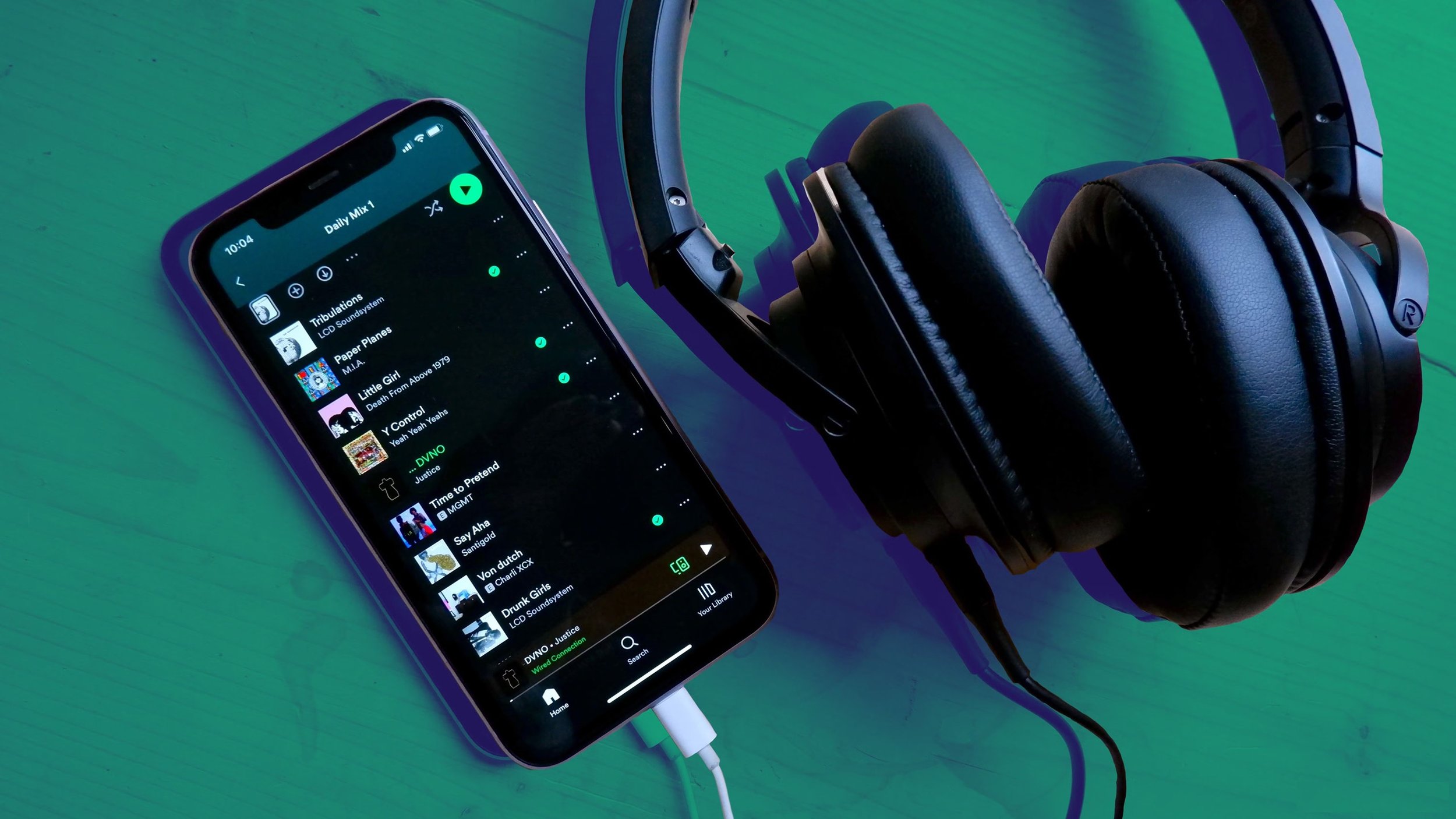
I was recently listening to some music on Spotify when it struck me how poor the sound quality was. It lacked any depth and certain instruments seemed lost in what I can only describe as a somewhat flat and smudged soundscape. Then I remembered that I had recently reinstalled the app on my PC after the search facility "broke" on the previous install. It would seem that any prior settings and customisations that I may have made had not carried over, not that I recollect specifically making any. I consulted Google Gemini to see if this issue was a common one and low and behold it is. The latest version of Spotify, by default, has the streaming bitrate set fairly low to accommodate data capped internet services or low bandwidth connections. In audio terms the music quality sounds poor. Hence I spent sometime nosing around in the settings to see what needed to be changed to remedy this problem. Here is the breakdown of the alterations that I made.
Audio Quality:
By default, the audio quality is set to “Automatic” which can drop your bitrate as low as 24 kbps or 96 kbps depending on available bandwidth. I changed this to “Very High” (320 kbps). If you have the Premium subscription tier, then this can be set to “Lossless” (FLAC). Note that lossless uses significantly more data (up to 1GB per hour), so keep that in mind if you have a data cap.
Normalise Volume:
This setting can be found under Playback. Normalisation tries to keep every song at the same volume so you don't have to keep making manual adjustments yourself but it does this by applying digital compression. This naturally impacts upon audio quality, so I turned it off as well.
Use the Equalizer:
There are over twenty presets for the Equalizer that adjusts the treble and bass accordingly. They make a noticeable difference so it is worth experimenting to find one that you find satisfactory. Or you can tinker with the settings yourself to suit your own tastes and preferences. There a “Reset” button if you are not happy with the results and with to return to the default settings.
Hardware:
If you’re listening via wireless headphones, it is worth remembering that Standard Bluetooth (SBC) compresses audio. If you're using high-end wireless headphones when listening on a phone, ensure they are using LDAC or aptX Adaptive if your handsets supports it. Interestingly, the Spotify Web Player is capped at a lower bitrate (AAC 128-256 kbps) than the dedicated Desktop or Mobile apps. Hence it is advisable to always use the PC or phone app for the best sound quality. Obviously the quality of your speakers is a major factor and if they are poor then it really doesn’t matter how much you tinker with the settings within Spotify. I have a Majority Snowden Soundbar connected to my PC via an optical connection. The sound quality is very good and there is none of the cabling issues you get with individual speakers.
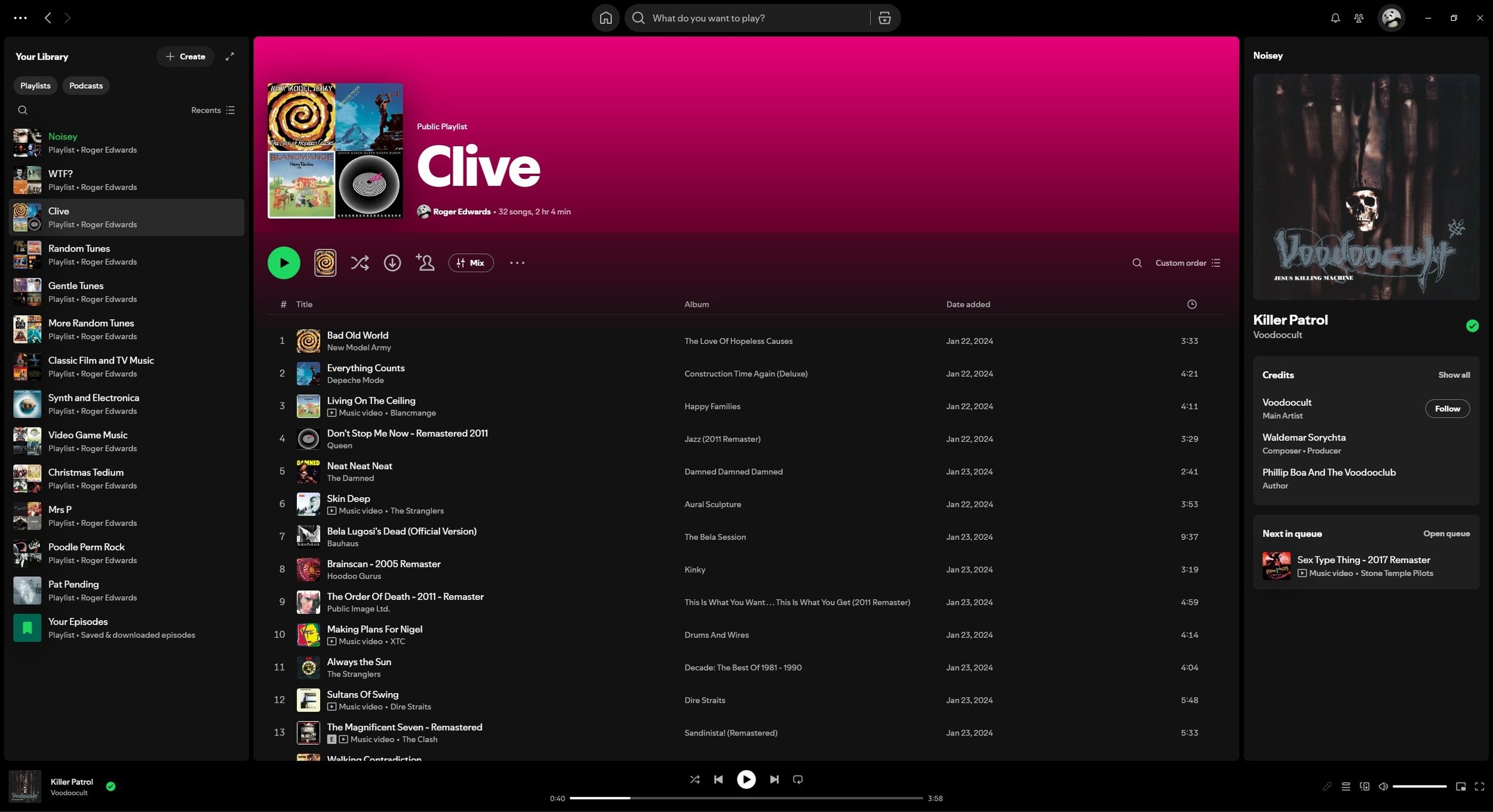
I use Spotify mainly for convenience. You can curate your own playlists and access those made by others. It is accessible and fairly comprehensive. I am often surprised by what I can find available via the app. However, there are negative aspects associated with the service. The level of financial remuneration the artists receive being the main one. Another issue is the way we consume music nowadays has actually led to tangible changes in the way that music is now created and produced. However, such a subject is best dealt with a separate blog post. In the meantime, if you’re having issues with the sound quality of Spotify, hopefully the practical steps listed above will help you make changes for the better. If you have any tips yourself, feel free to share them in the comments below.








Song lyrics can be powerful things. They can capture the mood and spirit of an era. They can also make powerful socio-political points. Or they can simply be pleasing to the listener by their use of language and playfulness. They can stick in your mind for both deep and trivial reasons. Mishearing them is also a common problem but that is a separate blog post. On this occasion I thought it would be worthwhile exploring the subject of song lyrics of note. Hence I have collated some that I find interesting, wise or just entertaining. These aren’t necessarily my favourite songs of all time, because I like so many. Instead these are some of the ones that sprang to mind when I was preparing this post. I have decided to have the selected lyrics first and the name of the artists afterwards, so that the emphasis is placed upon the words from the song. Although is is more than likely that you’ll be able to identify the songs from the lyrics immediately, or at least for some of them.