
Battlefield 6: More Tips
Multiplayer gameplay in Battlefield 6 is often fast, chaotic and disorientating. There are numerous controls to learn and game mechanics to familiarise yourself with. It can be a struggle at times to try and navigate your keyboard while under fire. Often you will lose in a gunfight simply because you don’t know about something important that could help you out or save your life. Like many other online games, it all comes down to experience. So here are some further tips regarding gameplay, settings and online etiquette, that will broaden your knowledge of Battlefield 6 and hopefully improve your online experience. As ever these tips are in no particular order. Some may be self-evident, others not. They’re written from the perspective of a PC player but are applicable to all platforms.
Any class can drag and heal another incapacitated player. This is essential to conserving tickets.
Interact with Support players by pressing E, LS to replenish ammo. Alternatively request ammo by using the radial menu.
Take the high ground in combat. It is easier to spot enemies and direct your squad from elevated positions. It is easier to fire down on an enemy for an enemy to fire up.
Within the game’s graphic settings lower the World Brightness from 50 to 40. It improves visual clarity.
Do not take vehicles without allowing other players the option of joining you. A solo player cannot drive as well as fire primary and secondary weapons. Vehicles have both an offensive use, as well as providing team transportation.
Use the combat roll to negate or reduce fall damage. Just press jump while dropping down from a building. For distances under 8 metres and you sustain no damage.
Do not use a sniper rifle outside of the Recon class as it randomly misses shots by design.
Charge your defibrillators by pressing the trigger on your mouse or controller before reviving players, as it brings them back with more health.
Suppressed weapons do not show as a red dot on the minimap at 15 metres distance, when fired. Players firing suppressed weapons in your line of sight do not show a red dot above their heads.
Use the tactical ladder to access windows, climb walls and to reach elevated cover.
Support class ammo bags are proximity-based and will resupply ammo in the AoE radius. The bag also provides a low, passive heal over time. Ammo bags can also be used to boost your initial stock of grenades and RPGs.
Initiation Breakthrough is a tutorial game mode featuring enemy bots, designed for new players to learn the basics of the game. It becomes unavailable between levels 10 to 20, depending on how much you use it.
Turn on Helicopter Control Assist within the game settings, as it allows the helicopter to hover automatically when no player input is applied.
When driving a tank, you can toggle between two different types of ammunition. Choose between anti-personnel or armour piercing, when in combat.
When on fire, extinguish flames by going prone and crawling.
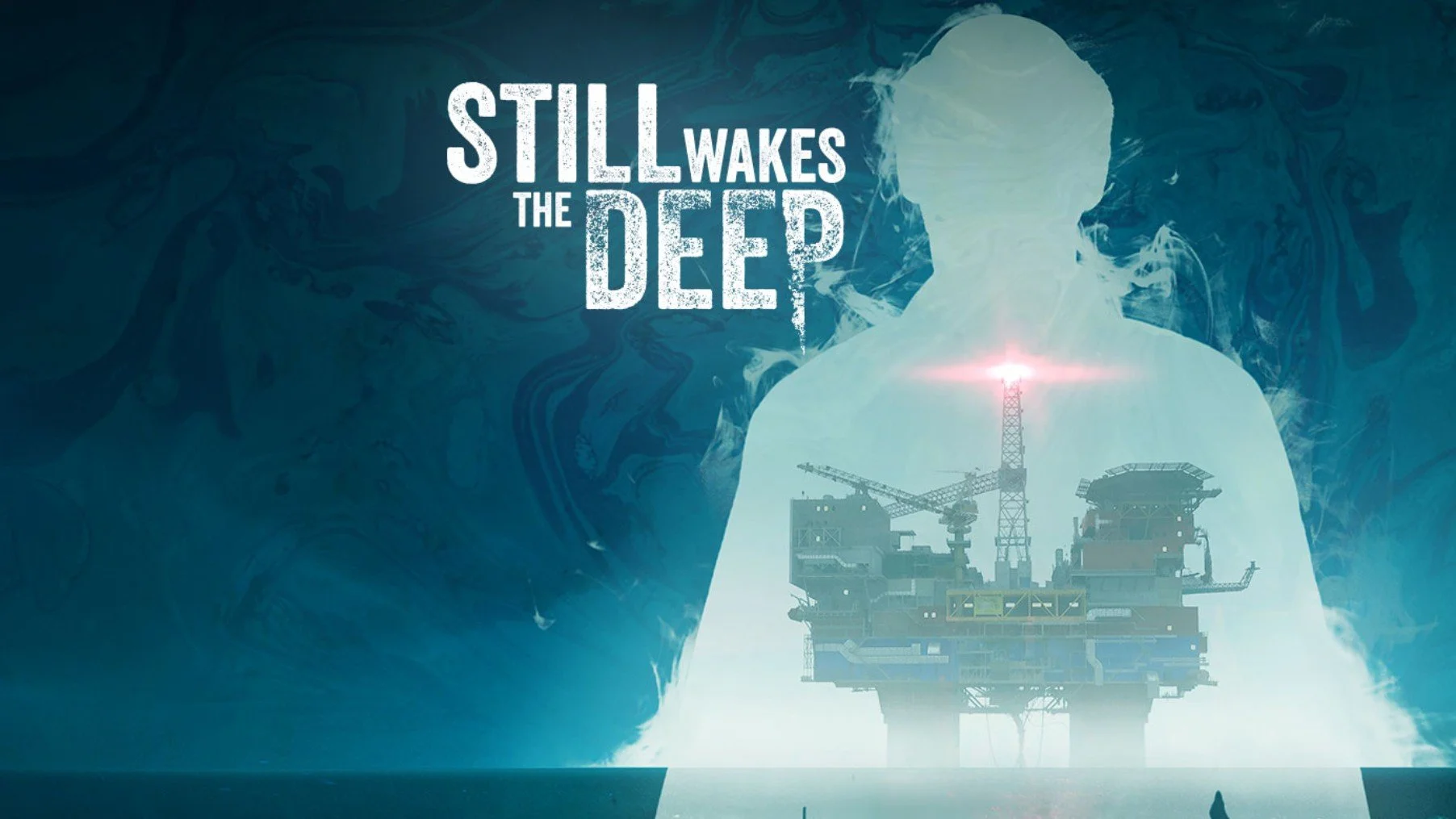
In the wake of Disco Elysium, I’ve been playing through several other games that have a focus on narrative and plot. I began with Call of Cthulhu which I shall write about in a separate post. Let it suffice to say that although I enjoyed the game, I wasn’t quite satisfied. This is not necessarily the game’s fault, as it makes a good attempt at depicting Lovecraftian Cosmic Horror. It’s just that any game following hard on the heels of one of the best RPG’s I’ve ever played, is likely to come up short in comparison. So I looked through my game library and found that I had Still Wakes The Deep, which enjoys a good reputation for having a strong story. I subsequently played through the game over two late night sessions and was left suitably impressed. So much so that I’ve bought the additional DLC, Siren’s Rest, in the hope that it maintains the quality of its predecessor.
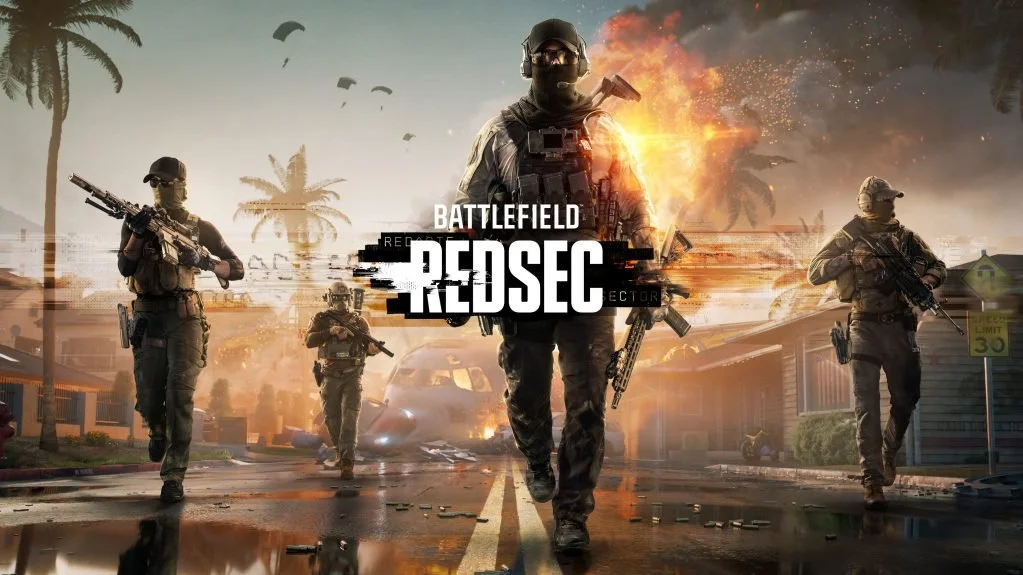
The Battlefield 6 Battle Royale game mode, known officially as Battlefield REDSEC, was released today at 15;00 on all platforms. REDSEC, which is short for “Redacted Sector,” offers an interesting take on the Battle Royale genre, blending familiar elements from games such as Fortnight and Warzone, while maintaining those unique aspects of Battlefield. Hence, you will find missions, loot crates and an ever decreasing environment, as well as the squad class dynamics and the destructible environment. The map offers both urban areas as well as open countryside thus supporting multiple play styles. Furthermore, REDSEC includes two additional modes. Gauntlet and Portal. Although it has launched alongside the first season of Battlefield 6 (which comes with an optional season pass), REDSEC is available to download as a standalone mode and is free-to-play.

One aspect of Battlefield 6 that some players struggle with is unlocking and levelling up new weapons. Players begin the game with a selection of weapons from each class but you then have to actively play with each of them to unlock specific attachments via Mastery XP. Further weapons become available as players gain experience and increase their overall Career Rank. Players who are well versed in playing the FPS genre will naturally progress faster. The downside to this is that new players equipped with a base weapon end up going up against seasoned players with superior firearms. Both Mastery and Career Rank XP are doled out according to team and individual performance in each game you play. It is a slow grind for players to unlock weapon and vehicle resources. Double XP tokens go some way to address this issue but they do not mitigate the progression speed, which exists by design.
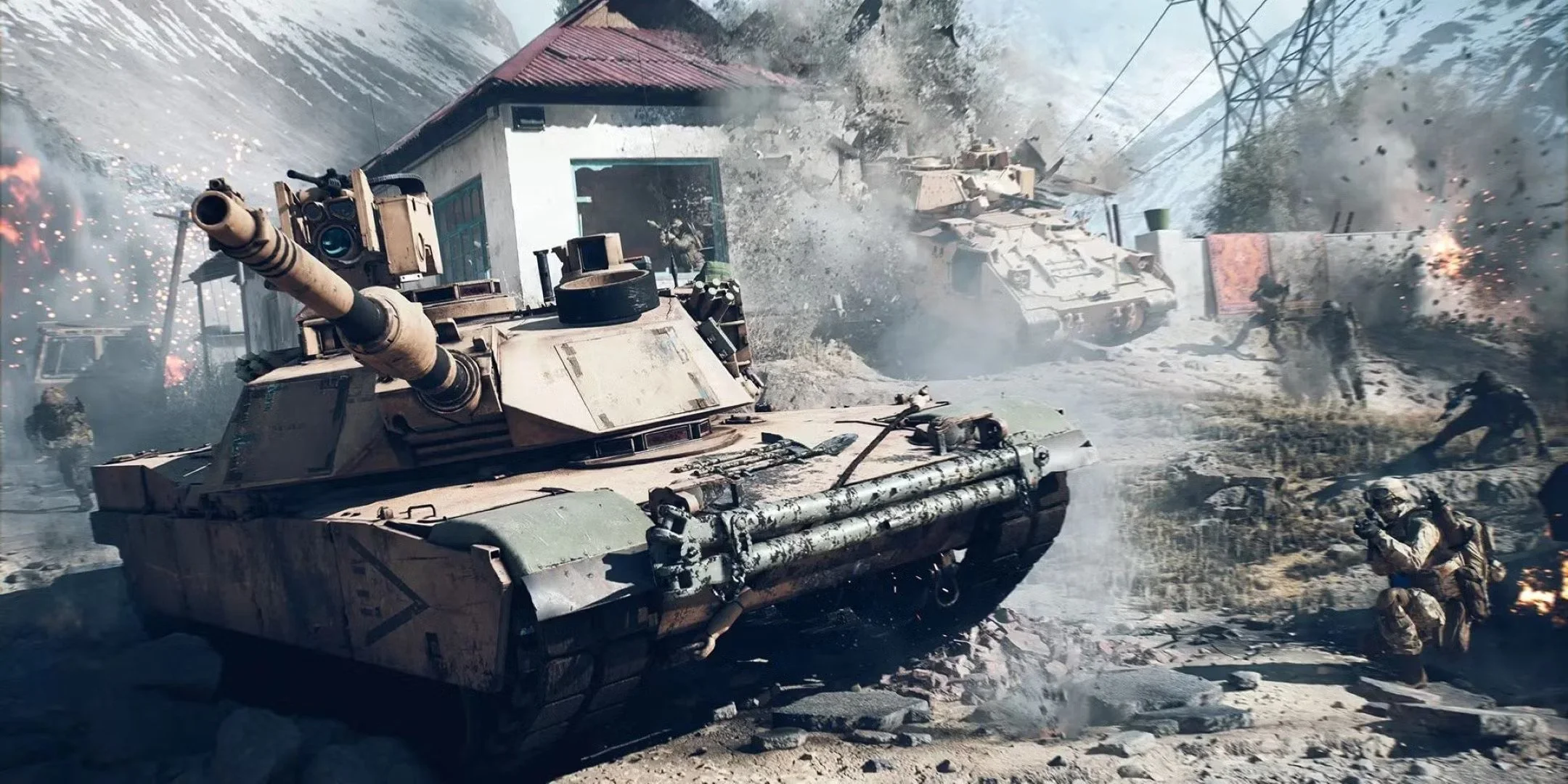
Multiplayer gameplay in Battlefield 6 is often fast, chaotic and disorientating. There are numerous controls to learn and game mechanics to familiarise yourself with. It can be a struggle at times to try and navigate your keyboard while under fire. Often you will lose in a gunfight simply because you don’t know about something important that could help you out or save your life. Like many other online games, it all comes down to experience. So here are some further tips regarding gameplay, settings and online etiquette, that will broaden your knowledge of Battlefield 6 and hopefully improve your online experience. As ever these tips are in no particular order. Some may be self-evident, others not. They’re written from the perspective of a PC player but are applicable to all platforms.
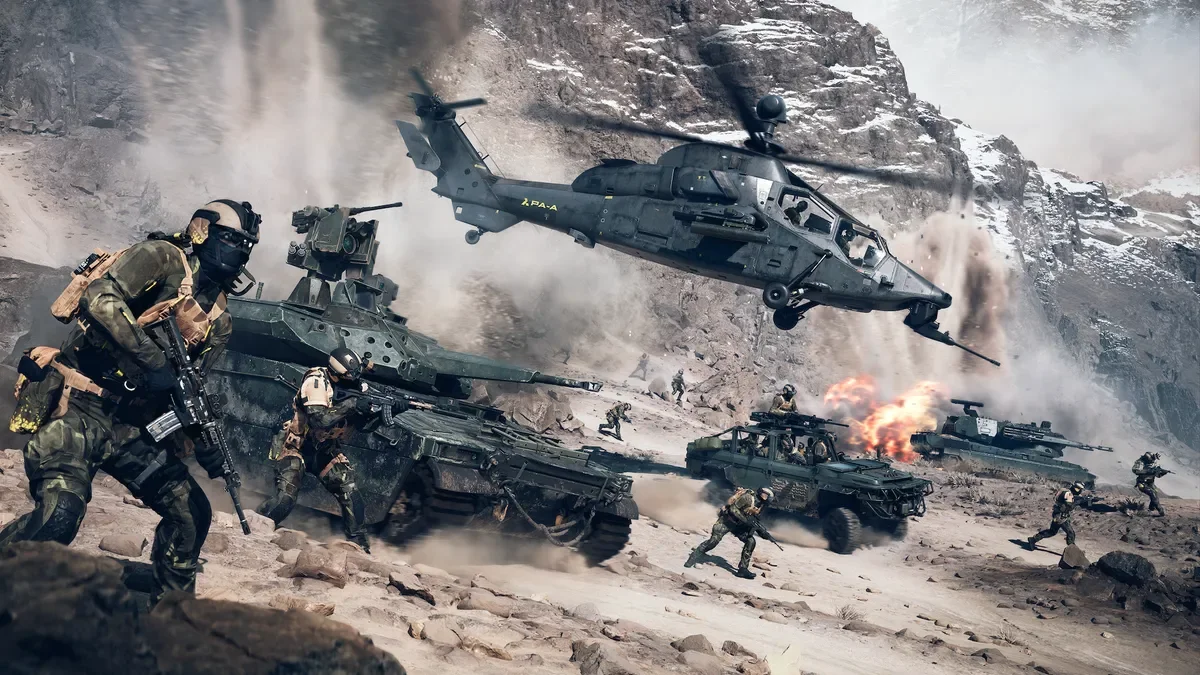
Although Battlefield 6 is a straightforward and self-explanatory multiplayer FPS, there are a great deal of controls, systems and game mechanics to master. Simply learning your controller or keyboard layout takes some time. There is also a lot of information about the game that, if known, can greatly improve your online experience. These can range from simple changes to default settings to understanding how weapons handle in-game and how to control them effectively. Hence, I thought it would be useful to new or returning players, to collate a list of tips for Battlefield 6. Some are quite obvious where others may not be quite so well known. They’re in no particular order. Hopefully you’ll find them useful.
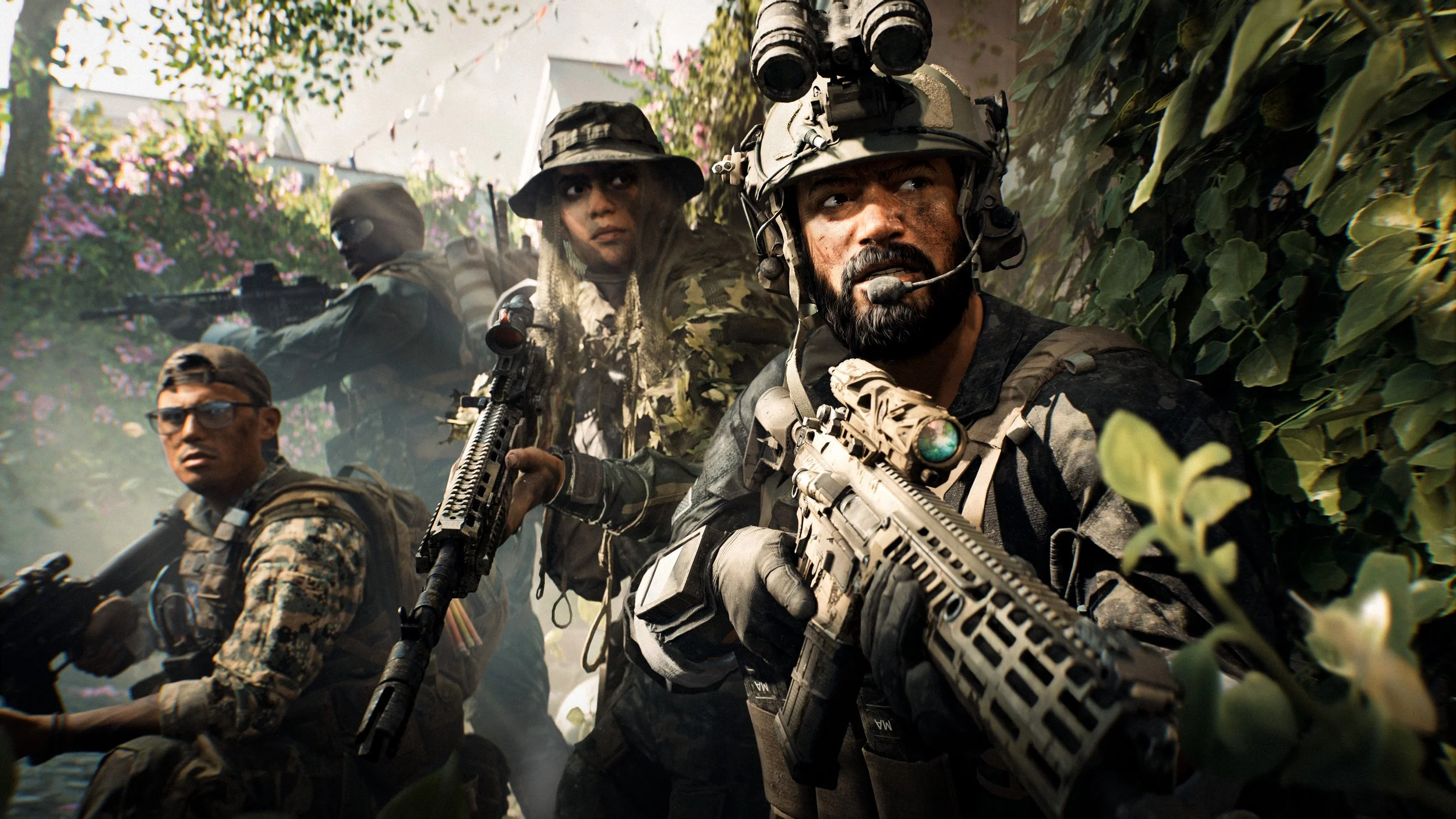
When Battlefield 2042 launched on 19th November 2021, it was a complete dog’s dinner. There were technical issues, including widespread bugs, poor performance and inconsistent hit registration. The launch was also criticized for the removal of core gameplay features like the class system, a scoreboard, and a server browser, which led to the game being considered unfinished and incomplete at release. Although developers, Battlefield Studios, worked hard to address many of the issues arising from the launch, the net result was that the franchise’s reputation was harmed. However, the beta testing of Battlefield 6 throughout August this year, has done much to restore the franchise’s good standing with a game that has clearly returned to a formula that works.
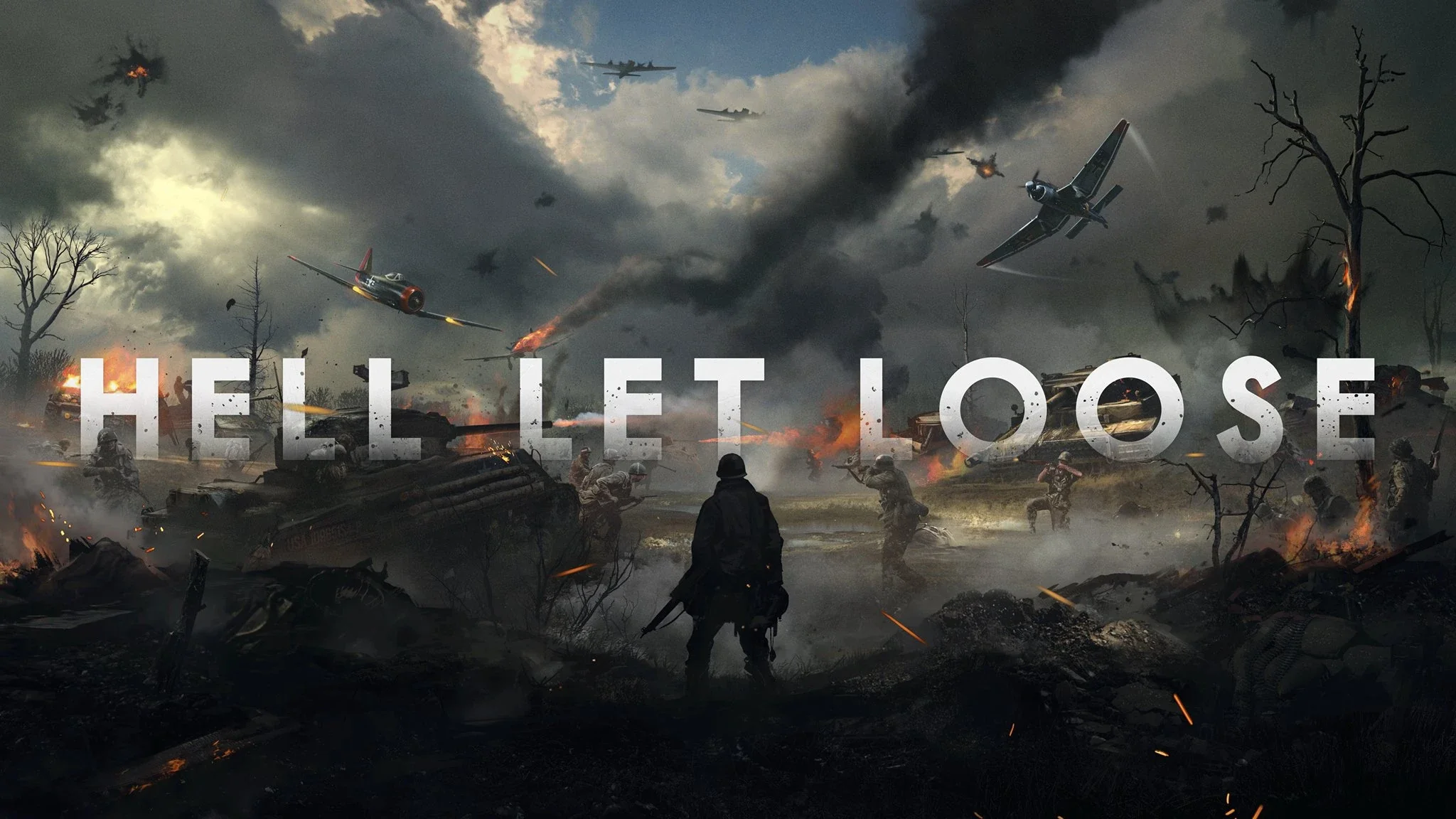
I bought Hell Let Loose last night. A decision I suspect that I shall regret. Despite the fact that I know that the YouTube videos of this game are carefully curated and therefore not truly representative of the reality of its gameplay, I felt compelled to try this World War II multiplayer tactical first-person shooter. From time to time I find a game that really appeals to me as a concept and I want to play it. However, more often than not these are online multiplayer games and as such the human element is distinctly “variable”. Hence the idealised gameplay that I imagine is a far cry from what playing the game is really like. I’m sure I am not alone in this mindset. Sometimes I have to just “get it out of my system” and the only real way to do that is buy the game in question, be disappointed and then move on.

The second Battlefield 6 Open Beta test started earlier today. A 7.6GB download added additional maps, new game modes and also resolved some technical issues. I was able to select my second monitor to display the game this time round and also made some basic performance related tweaks. The colour grading is still an issue for me and I struggle at times to correctly identify players and objects at distance due to the muted palette. Minor gripes aside, the game still performs well and all the game modes have something to offer. King of the Hill and some of the other close quarters maps are a little too intense for my skill level but I still had fun with projectiles and explosives. I still prefer the Conquest mode with its bigger maps and greater variety of gameplay options.
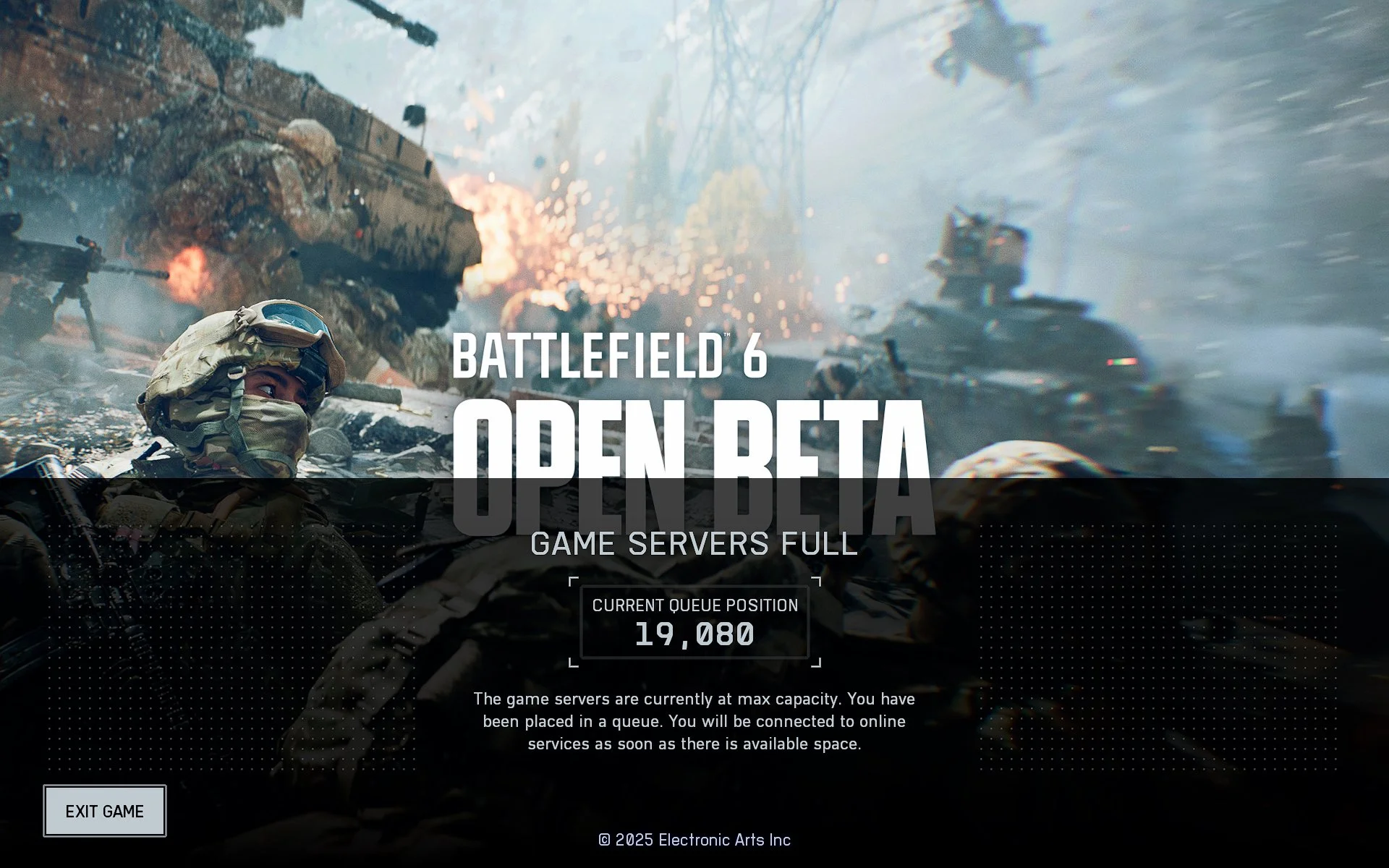
I spent several hours today trying Battlefield 6 during its first Open Beta weekend. Trying being an apt word as I experienced some technical difficulties during that time. There were server queues as there often are during test periods, which took 5-10 minutes to clear. I also found that when a multiplayer game ended the client would often freeze, requiring me to use the task manager to shutdown the .exe file . As I then had to restart the entire game it meant having to rejoin the server queue again. Furthermore, despite various methods, I could not get Battlefield 6 to display on my second monitor. Although there is a clear option within the graphics settings, I could not get the game to output to my Dell S2421H monitor. If I used the Windows + Shift + → key combination, the game would briefly appear on the second monitor then instantly snap back to the first. I also could not take any screen captures or use OBS to capture video. I believe this is down to the game’s anticheat software.
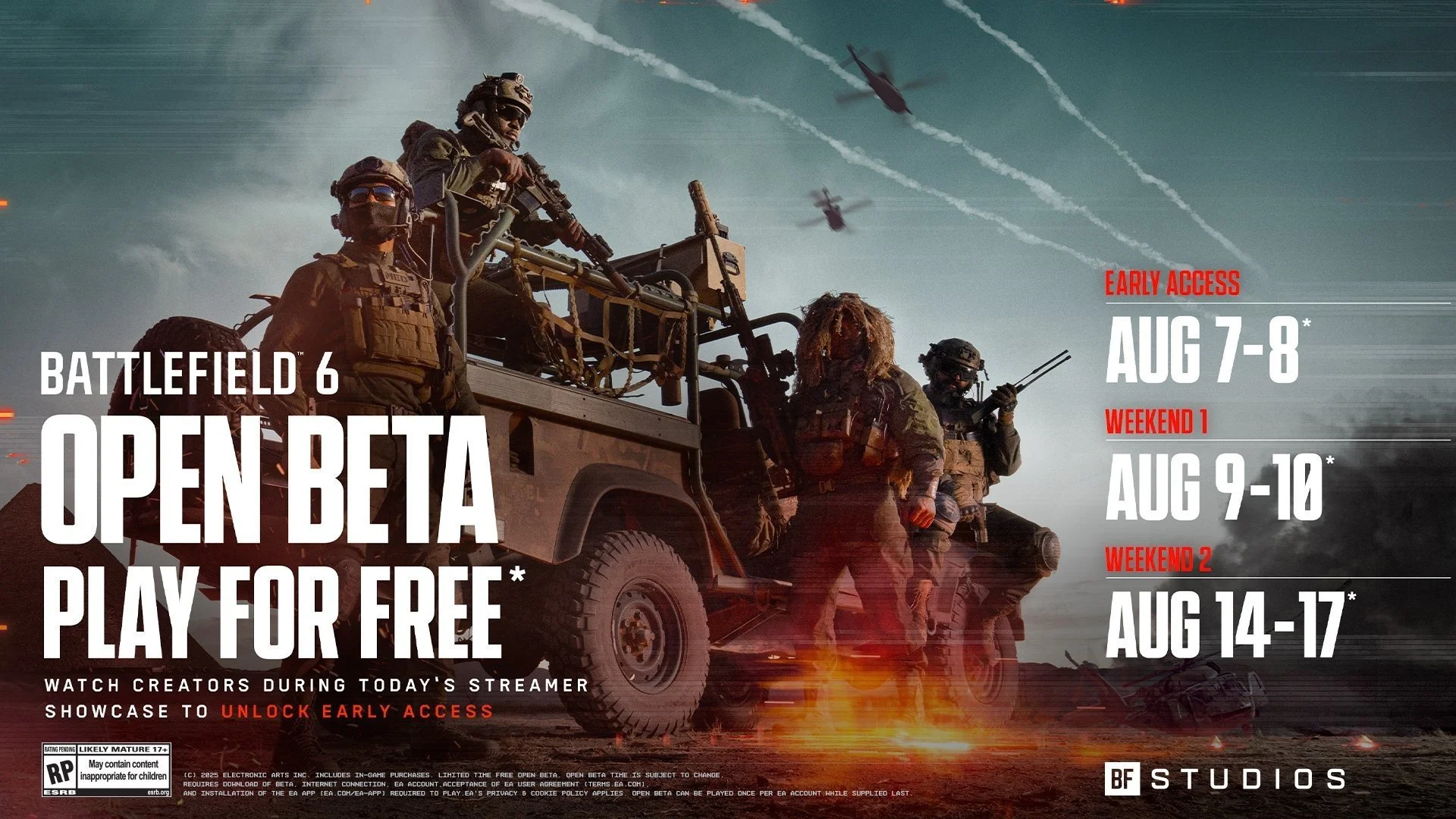
I was reading through my RSS feed this morning and found a post by Heartless Gamer, regarding how Battlefield 6 requires Secure Boot enabled on your PC. If it is not, then the game will not launch and you’ll get an error message. Naturally, this raised several questions. First off, what is Secure Boot and do I have it on my PC? Well apparently it is a security feature that protects a computer from malware during the startup process, by verifying the digital signatures of bootloaders and other software components before they are allowed to run. By using the msinfo32 command in the Run Window, I determined that I do indeed have it and went directly to the BIOS and enabled it. The next question to address was, why have I not been invited to the open beta for Battlefield 6? I subsequently checked the EA Game Launcher and discovered that I had. So I installed the game.
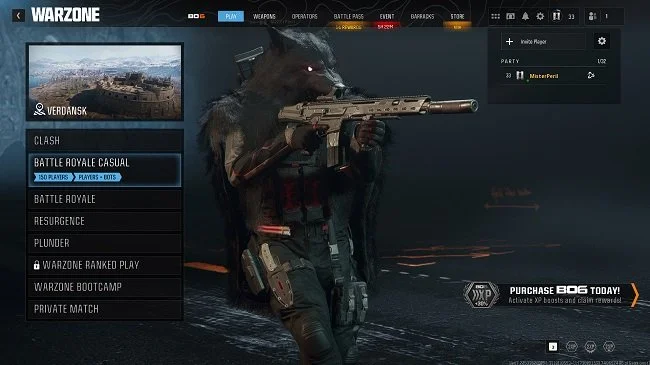
Warzone added a new “casual mode” to its Battle Royale at the start of Season 4. This reduced the number of real players in-game and substituted them with AI bots. The ratio is approximately one fifth real players, four fifths bots. This new mode for Battle Royale solos, duos and quads was well received, especially among the mainstream players who are more focused on fun than progression. Veteran players who still wanted the challenge of playing against real players were free to continue playing the traditional BR modes. Hence all parties were pleased as they were both being catered for. However, and there is always a “however” when it comes to Call of Duty, the developers saw fit to remove the standard solo Battle Royale mode, leaving just the Battle Royale Casual mode with AI bots. Subsequently, a lot of players were perplexed and annoyed, as taking away choice is seldom good customer service. As a result of subsequent backlash, the mode was added back to the game mid-season.
I have written about “games we cannot play” several times over the years. By this I mean video games that we lack the skill, coordination and patience to master. For example, I often struggle with video games that are primarily designed for consoles and are therefore intended to be played via a game controller. I also don’t want to have to spend an excess of time (a very subjective thing) to learn how to play a video game. Hence there are games that I am interested in but have accepted that I will never play because I cannot or will not do what is required to play them effectively. However, in this post I want to discuss a tangential point. Games which have the potential to be exceptionally entertaining but that entertainment depends on a lot of factors that exist outside of the game itself. Hence you may never get the experience you desire which is often the one that was marketed.
There has been a resurgence of people playing Star Wars Battlefront II recently. Possibly because the game was discounted on many outlets on May 4th and may be due to the success of Andor season 2. There’s a lot more people streaming it as well as videos on YouTube. Whatever the reason, it is always good to see a deserving game enjoying a renaissance. Star Wars Battlefront II was blighted at launch, back in November 2017 by some egregious business decisions and it took nearly a year for the game to recover from the negative publicity and player animosity. Setting this historical debacle aside for one moment, there was always a handsome and engaging game to be found. One that used the licensed intellectual property well. Which is why I recently reinstalled the game and resumed playing its multiplayer mode.
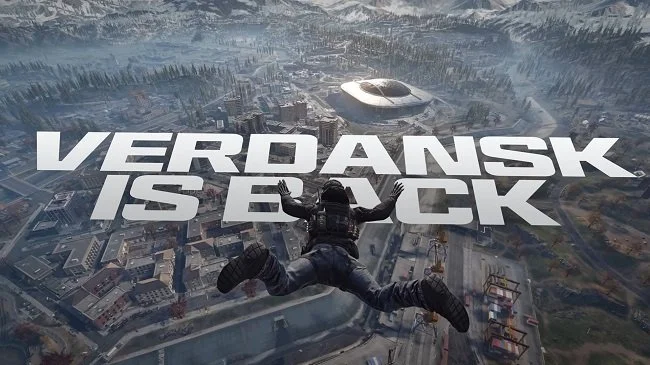
When the Battle Royale Call of Duty: Warzone launched on March 10th 2020, the Verdansk map was one of the key elements of the game’s success. The subsequent lockdown due to the global pandemic was also a major shot in the arm for the game, with so many gamers being home. The Verdansk map along with the gameplay mechanics of the game at the time were a perfect combination and so Warzone was “just so”. It allowed both skilled and unskilled players to play together, without one group dominating the other. Gunfights could be intense but there were periods of downtime when traversing the map. Players also couldn’t continuously respawn if defeated, so there was a requirement to play with a degree of caution and strategy. I enjoyed the game immensely despite not being the biggest fan of PVP based gaming. It was a broadly equitable experience but sadly it didn’t remain that way.

I decided to play Call of Duty today as I wanted some undemanding entertainment. I was not surprised when the game client began an update, as I have not played for about three months. Hence, there was obviously new content to install. However, when I saw the size of the download, I knew this was more than just a season update. I therefore checked the Battle.net client and discovered that the game was installing Black Ops 6, the latest version of Call of Duty that is released on 25th October. A game I have decided not to buy for a multitude of reasons. Fortunately, you can modify your game installation on the fly, so I unchecked a few boxes and the download stopped. However, I was annoyed by the hubris of this “download by default” policy, so I decided to uninstall my existing installation of Modern Warfare 3 as it is no longer a mainstay of my gaming activities.
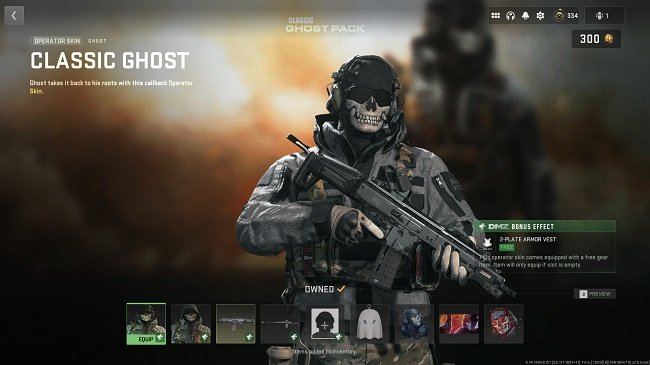
For those who are not familiar with this latest niche piece of “gaming outrage”, it regards the extraction shooter Warzone 2.0 DMZ, which is part of the Call of Duty franchise. When you enter the game (either solo or in a squad), you use gear that you have previously collected. A key part of the game is looting and upgrading your weapon, bullet proof vest (there are 3 tiers) and sundry support items. If you die, then you lose all the equipment you are currently carrying. With this in mind, Activision have recently added two purchasable gear bundles to the game store. One comes with a medium size backpack by default. The other comes with a 2 plate vest (tier 2) and two weapons that only have a 15 minute cooldown. This does offer a degree of convenience. Furthermore, the second bundle is tied to the Ghost operator skin, who within the game’s canon is an iconic figure. Hence there has been a great deal of debate over the rectitude of these bundles.
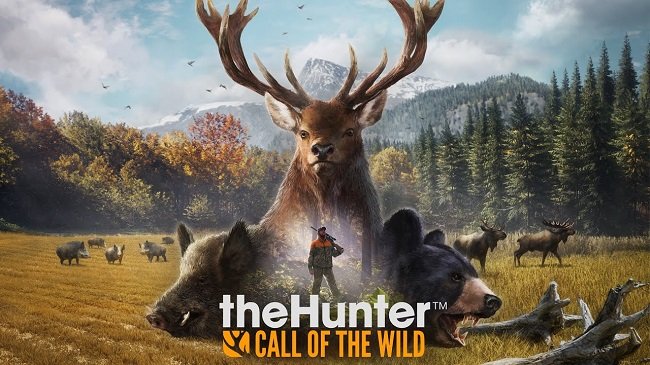
I have always dismissed hunting games as “not my thing”. Perhaps that stems from my ambivalent views about hunting per se. Yet after recently watching a YouTube video for The Hunter: Call of the Wild, I revised my opinion. The footage showed a slow and thoughtful game and I was also surprised to see that there was a campaign with a story. Hence I decided to step outside of my comfort zone and give the game a try. The base edition can be purchased for £20 on Steam and there is a wealth of optional DLC. I bought a bundle that included some additional maps, weapons packs and a dog that can be used for tracking. I also bought a quad bike as this is invaluable for traversing the open world, which is enormous. As ever with steam, the installation was easy and hassle free and within an hour I found myself exploring Layton Lake District, which is based upon the Pacific Northwest geographic region.
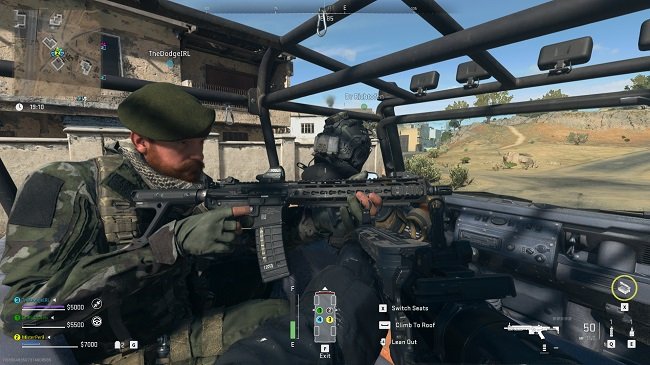
I like an analogy as a literary device, so here’s one for you. Video games are like parties. How so? In the following ways. They quite never live up to your expectations. The best ones are the ones you never go to, according to the “anecdotes” you’re told afterwards. And there’s always someone crying and throwing up at 2:00 AM. Okay, the last one isn’t quite relevant but the overall sentiment of the first two is sound. The reason I have used this visual metaphor is because both parties and multiplayer video games sell themselves on the alleged quality of their respective social dynamic. They supposedly offer you fun with your friends and a unique, memorable experience. However, the reality is a lot more lacklustre. Warzone 2.0 DMZ is a prime example. What enjoyment there is to be had in playing this game is offset by the iniquities of many of its players as they race to the proverbial bottom.
I want to talk about how we choose a new game from the countless titles that are currently available. I am going to be candid about how I do this as well as my own personal biases and prejudices. Because I am not open to playing any type of game. Like so many other aspects of life, I have very clear likes and dislikes that can only be tempered so far with logic and rational thinking. Video games as far as I’m concerned are supposed to be engaging, entertaining and inherently enjoyable. I don’t mind a degree of challenge and I’ll grind to achieve a specific goal, if I feel the reward to effort ratio is acceptable. I will on occasions attempt to step tentatively out of my comfort zone. However, there are some things that I simply don’t like, so they will not be considered. I think the best analogy for this is food. There are certain meals that I have tried (sometimes several times) and disliked, so they won’t ever be eaten again. Then there are other meals that contain ingredients I dislike or that are cooked in a style that I don’t enjoy. These are also off the proverbial table (no pun intended).
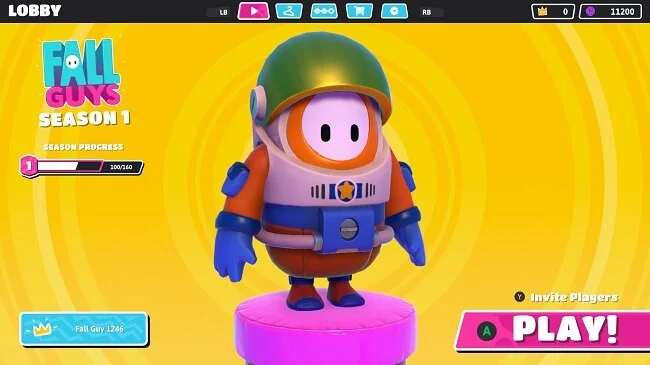
The last 31 days have gone by really fast, or at least that’s the way it feels. Despite having bought several new games recently and acquired yet more for free from the Epic Store, I did not embark on anything new throughout October. Due to the unexpectedly prompt release of the new “mini expansion” for The Lord of the Rings Online and the launch of a new event in Star Trek Online, I found myself focused upon the MMORPG genre, yet again. And after playing continuously for six months, Call of Duty Modern Warfare/Warzone has finally begun to lose its lustre. I didn’t especially enjoy the Halloween event, not that there was anything inherently wrong with it. It just wasn’t for me. I played a little Fall Guy: Ultimate Knockout but quickly discovered that the “season” system is just another gear treadmill, although the gear in this instance are novelty cosmetic outfits. I don’t want to be tied to too many games in this fashion (it’s bad enough with MMOs), so this is another title that has been relegated to occasional play when the fancy takes me.
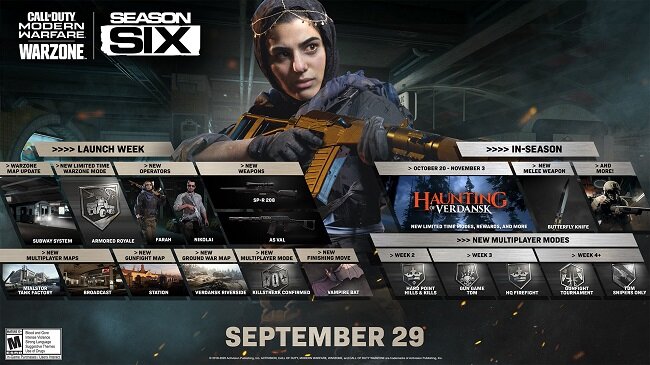
September has been a difficult month. A family crisis and subsequent bereavement meant that gaming got pushed down the daily agenda. However, after the various chores and duties were done I did need some downtime and means to relax. Hence I did play some games in a limited fashion. Nothing fancy, just stuff like Fall Guys: Ultimate Knockout and Gang Beasts, which are light-hearted and undemanding. I also took the time to log on to The Lord of the Rings Online test server and check out the preview of the forthcoming “mini-expansion”. Not only was this informative but it provided material for a blog post. But overall I didn’t really achieve anything substantial with my gaming throughout September. Gaming was relegated to being just a convenient diversion from the immediate problems I’ve been facing but as such, it did fulfil that role well.
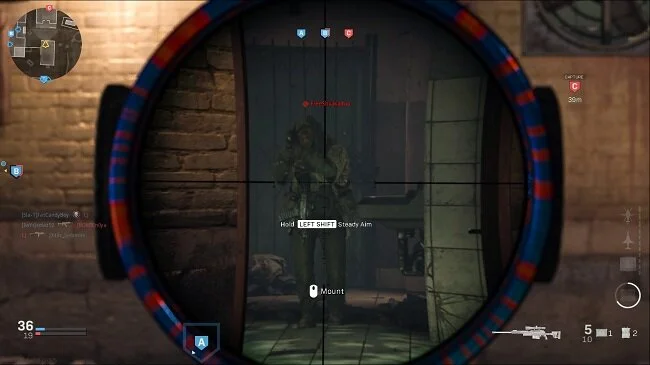
Developers do like to gate access to the best gear and equipment in video games. Often there will be an achievement or deed required to unlock the object that you desire. Now I have no objection to this concept in principle. It’s just that every now and then, the criteria required to access an item is beyond my abilities. Take Call of Duty Modern Warfare/Warzone. Infinity Ward recently added the Rytec AMR to the game. It is a semi-automatic sniper rifle that can use thermite and explosive rounds. It has a significantly higher rate-of-fire than the HDR and AX-5, and performs better at range than the Dragunov. I’ve been itching to get my hands on this weapon for a while. However, to unlock it, you have to complete the following achievement. "Get 2 quickscope kills using sniper or marksman rifles in 15 different matches". For me this is effectively one of the labours of Hercules.
I’m still somewhat shocked that August has been and gone. Even by 2020 standards it’s been an odd month. Due to illness in the family, my schedule has been turned on its head and subsequently there has not been as much time for gaming as I’ve previously enjoyed. However, I tried to put what time I had to good use. I attempted to return to the MMORPG The Lord of the Rings Online once again, to see if I could continue through the epic story. Sadly, the game has run into further server related issues, just as it did last month. Standing Stone Games community manager Jerry Snook was a little “snippy” in responding to players' concerns and at present there are no details regarding what the problem is and when it will be resolved. If this issue persists I suspect that it is going to do some genuine harm to both the player base and community relations. I hope matters improve for SSG and LOTRO over September.
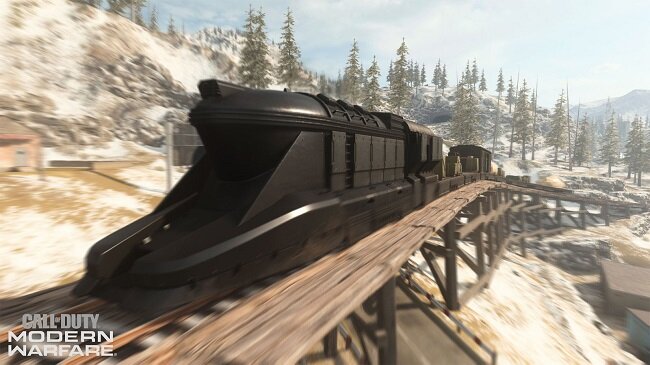
Adding a train to a Battle Royale game is hardly a new concept. Both Apex Legends and PlayerUnknown’s Battleground have successfully done this. So it was only a matter of time before one was added to Call of Duty Warzone. We were tipped off by the addition of train tracks last season. The launch of Season 5 this week finally made the “choo choo” a reality. I must admit, I’m quite surprised at how adding something as straightforward as a freight train has reinvigorated the game. That and the fact that you can now access the stadium seems to have really enthused the playerbase. Since Tuesday, whenever you play Warzone or one of its variants, a large number of players head straight to the stadium or the station where the armoured freight train starts its journey around the map. As a result of this, new players or those who aren’t so skilled in combat can navigate the outlying areas of Verdansk with a greater degree of freedom and safety. Everyone else is at either of those locations.
Video games can offer a great opportunity for personal growth. If you are the sort of player who likes to prove themselves and continuously test one’s mettle, then some titles can provide the challenge required to be the best of the best. Hence many games are competitive, have league tables and other formal structures for measuring success. It is one of the reasons why esports have become so popular. But this desire to excel and master a particular play style extends beyond competitive games. For some players part of a games allure is understanding the numbers and stats that drive the game mechanics. Because these are often the key to optimising your build and maximising DPS output. Hence you will find skilled and learned players in a variety of games across multiple genres. Although they are often motivated for different reasons, they all strive to be elite players.
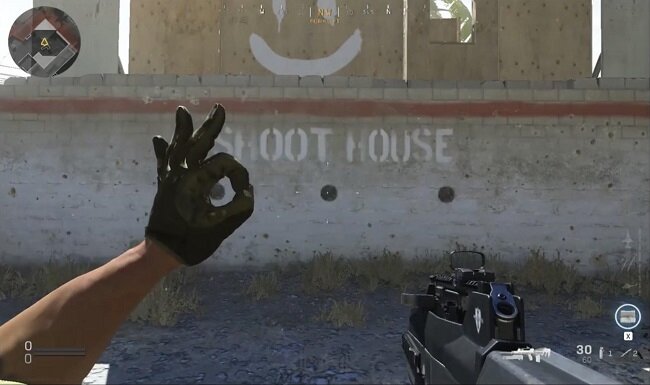
Call of Duty: Modern Warfare and Warzone have a wealth of customisation and cosmetics options. One of which is the ability to assign hand gestures to your character. These can be used as a means of giving instructions when playing in a squad but more often they’re just used for fun or humorously. Players will use them after a kill or sometimes make them part of a trick shot, such as making a gesture with the left hand while firing from the hip with the right. I’ve not noticed a lot of use of gestures while playing nor do I use them myself. It takes all my concentration to stay alive. However, they do seem to feature in the various CoD clip shows I watch on YouTube, so they’re more of an affectation used by “top tier” players. Recently, developers’ Infinity Ward removed the OK gesture from the game. This minor change was not mentioned in the patch notes and the gesture was replaced with a new one called "crush".
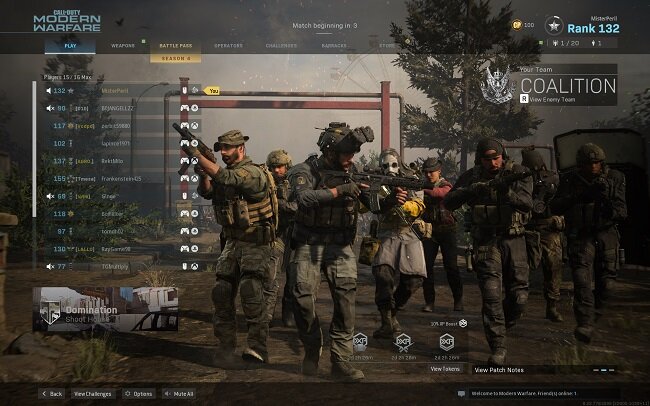
I was watching a YouTube video recently of someone trying the new Fennec SMG in Call of Duty Modern Warfare Multiplayer. It was a 5 versus 5 game and the player who made the video was clearly quite skilled. After quickly racking up multiple kills, 3 of the enemy team left mid game. He laughed and pointed out that they had “rage quit”, although that is just conjecture. They may have left the game for a multitude of reasons (a point I shall return to later). As ever this video began a train of thought which I would now like to explore. Multiplayer games often go hand in hand with a lot of informal social etiquette. Much of which stems from the original MMOs from two decades ago. However, these conventions are not in any way mandatory or enshrined in any games terms of service. Yet quitting in the middle of a multiplayer game is still frowned upon in certain quarters, often being seen as an act of selfishness and childish anger. However, like everything in life, I think it’s not as simple as that.
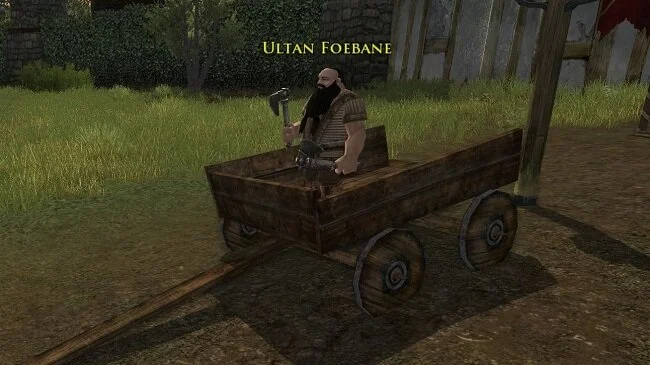
I stopped subscribing to The Lord of the Rings Online in June. I’ve always had a very cyclical relationship with this MMO and at present I feel I need a break from the games somewhat linear formula. Plus the new content scheduled for release centred around the wedding of Aragorn and Arwen doesn’t exactly sound enthralling. So I’ve left my primary character in Langflood and will return to the game later in the year when I feel the need to catch up with content. I have also abandoned the ongoing events in Star Trek Online as they’re getting too repetitive. I would like to see a new longterm story arc rather than just a continuous cycle of short term events and repeatable content. I don’t mind working towards a goal but it has to be something I want and the rewards offered in this MMO are getting a little too generic for my liking. I shall return to the game at some point as I’m a lifetime account holder and I’m curious to see how developer’s Cryptic overhauls the Klingon story arc.
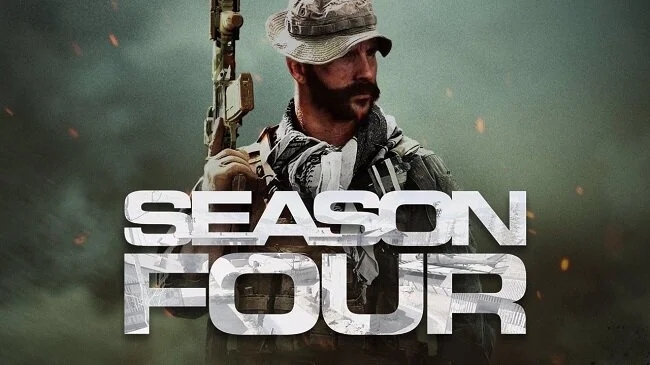
Setting aside the debate regarding the rectitude of the Battle Pass system in Call of Duty Modern Warfare, I certainly enjoyed Season 3. I managed to find multiplayer games that suit my ability along with loadouts that allow me to hit something every once in a while. It was very much a learning process but from April 12th to June10th, I slowly improved my performance and re-acquainted myself with the fact that the FPS genre can be fun. I finally got to try a Battle Royale game and was pleasantly surprised by how accessible they are. However, (and there’s always a however) Activision Blizzard seem to be hell bent on losing the good will they seemed to have gained in recent months. Today’s release of Season 4 has been blighted by major performance issues with the patch servers. Furthermore, the developers still insist in removing certain maps and game modes to promote new ones. This “lottery” which results in a lack of choice for many players is especially galling when you’ve just bought the new Battle Pass.
 Roger Edwards
I have written in the past about the video games we cannot play. The ones that require a keen understanding of a game’s mechanics, along with a strong degree of manual dexterity and situational awareness. Being 58 years old, I tend to have neither the co-ordination necessary to succeed or the patience to master such complex skill requirements. With this in mind, I recently watched a YouTube video for Chivalry 2 and thought, that looks like fun. The fact that it showed someone picking up a chicken and throwing it at an opponent is neither here nor there. However, after watching a few more videos I realised that combat in the game was complex and that, as usual, the reality of playing such a game would be different from my expectations. Hence, I came very close to not buying Chivalry 2. However, I eventually decided that I would, so I bought it for just under £10 from an online vendor.